A website hero loop that looks like an actual chip
Overview
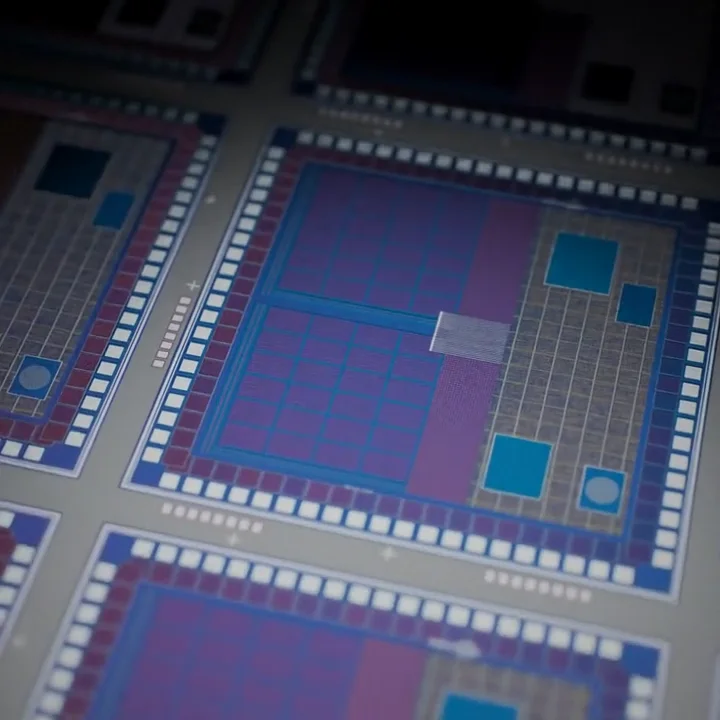
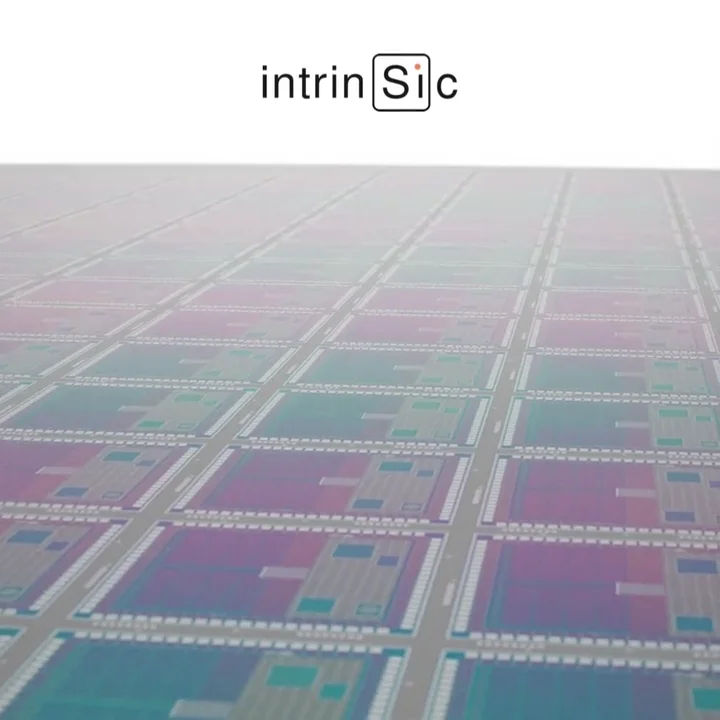
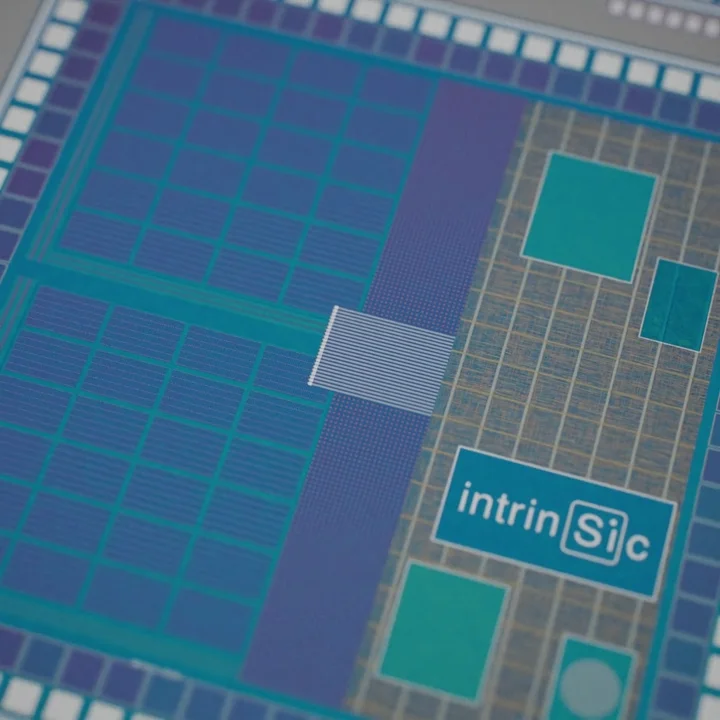
Intrinsic's website opened on a short stock style circuit board loop. I replaced it with a 15 second seamless 3D loop of a lifelike Intrinsic wafer, lit for a white page, with the logo etched into every chip.
My role
Art direction, 3D, lighting, motion
Team
Solo, with feedback from the Intrinsic team
Timeline
October 2026, 3 rounds
Impact overview
Seamless
A 15 sec loop with no visible seam, made to play for as long as someone stays.
On brand
Lit for a white page, with the logo etched into every chip.
Light
The web file is about 6 MB, with WebM, a poster and a ProRes master.
Summary
The homepage headline is "Overcoming the Memory Bottleneck": data moving too slowly between memory and processing. The hero video sat right next to it.
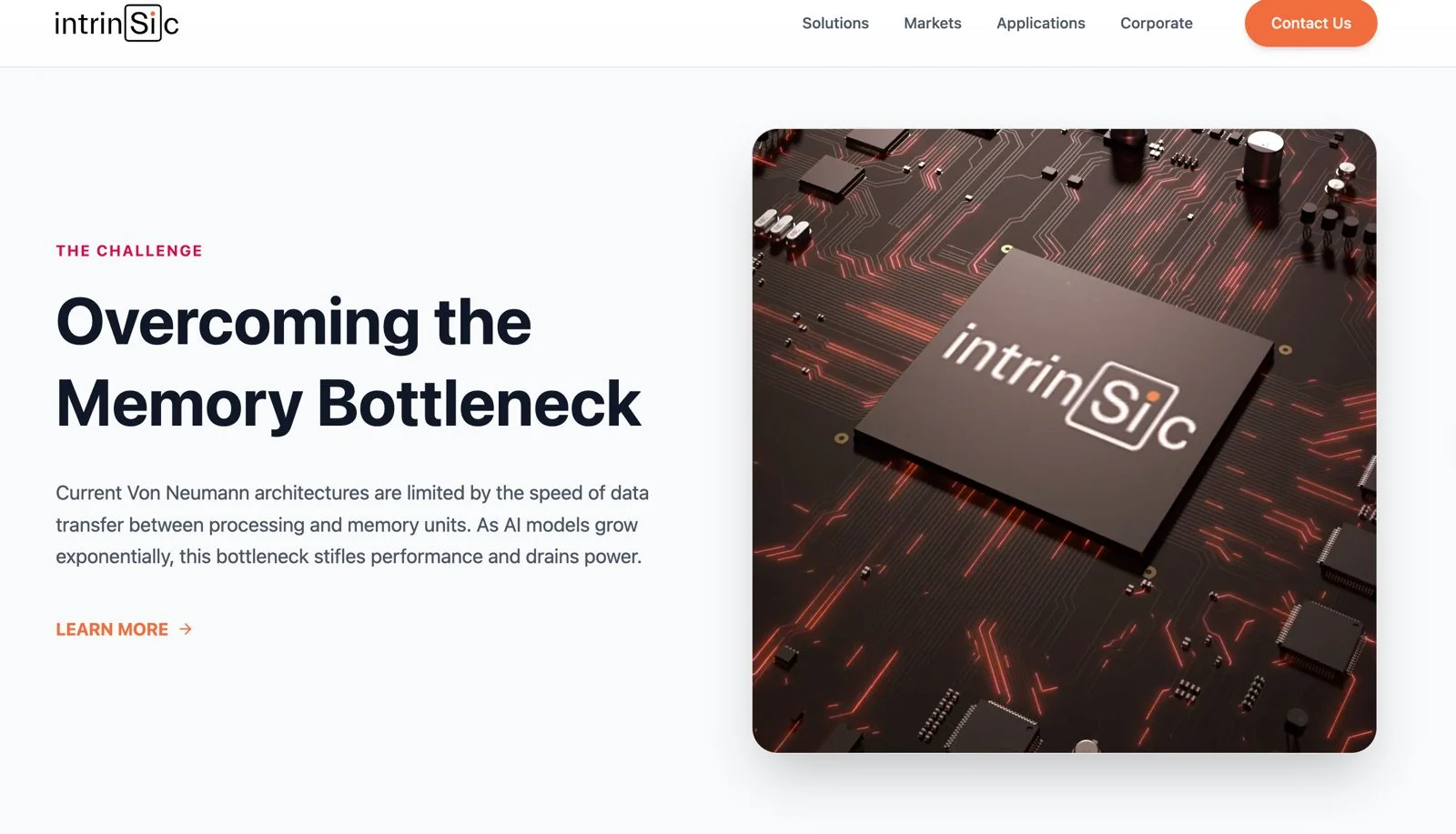
The old video was a red circuit board, two seconds long, with a white flash where it looped. It looked like a stock or AI made clip, and it did not show anything Intrinsic makes.
The goal: a loop that looks like an actual Intrinsic chip and quietly tells the headline's story, data moving between memory and logic.
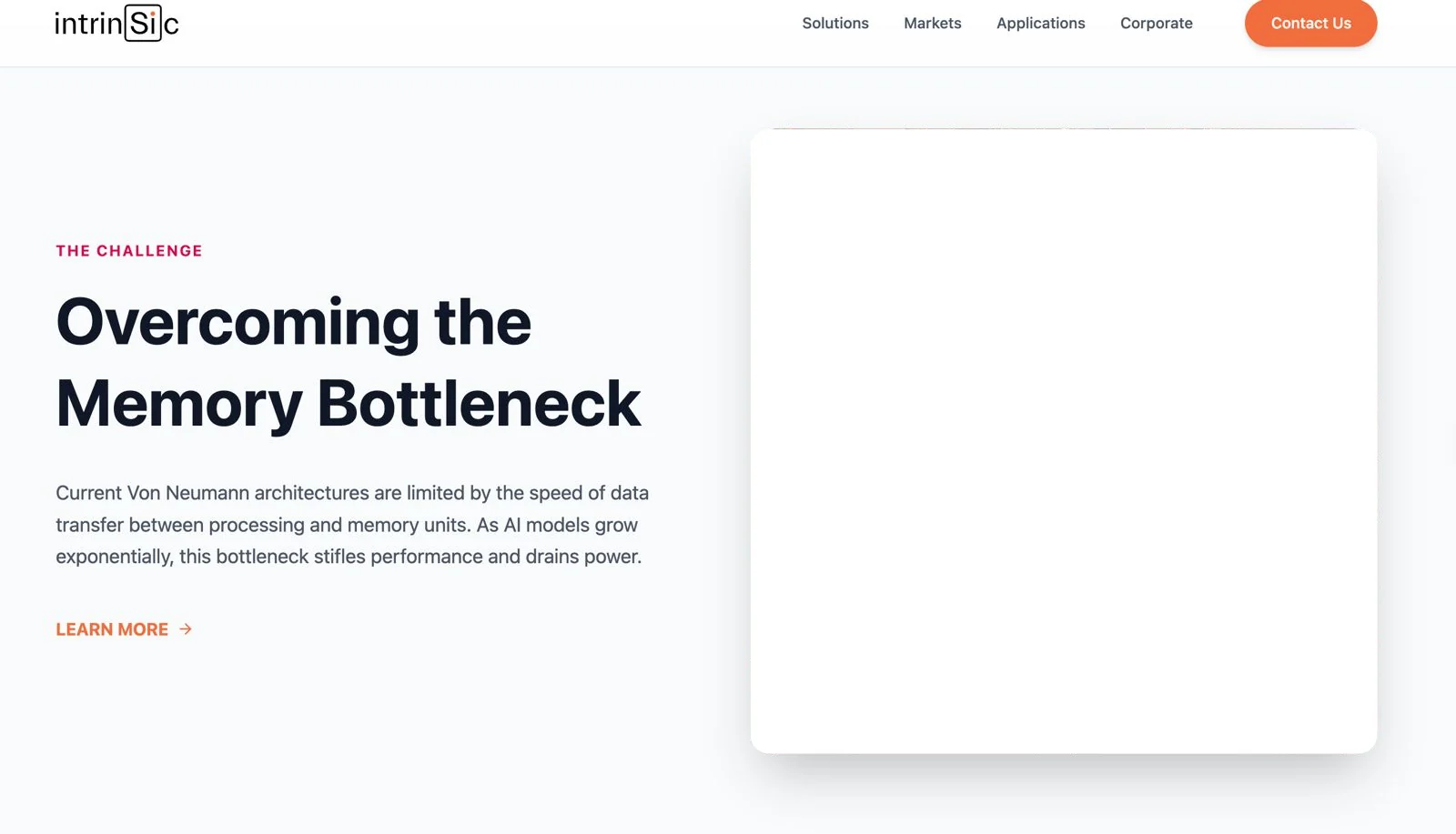
The final loop placed in the homepage's hero card (mockup).
Why a Wafer Is Hard to Film
Actual wafers are mirrors. Their colour comes from thin film interference, so they look wrong in generic lighting and reflect whatever is around them. And a hero video repeats for as long as someone is on the page, so any jump at the loop point is seen again and again.
Before: the homepage with the old circuit board loop.
A Storyboard Made of Test Renders
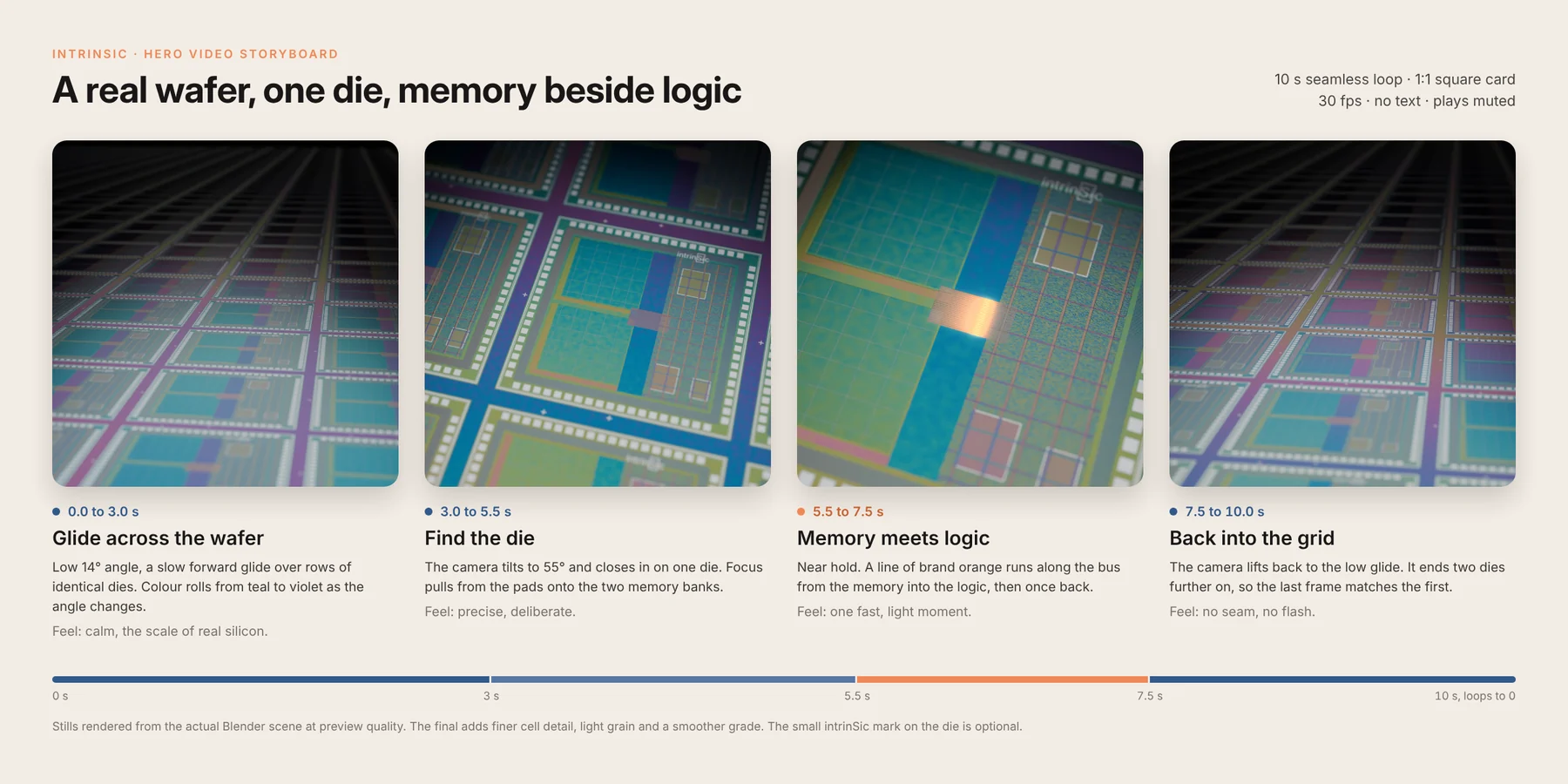
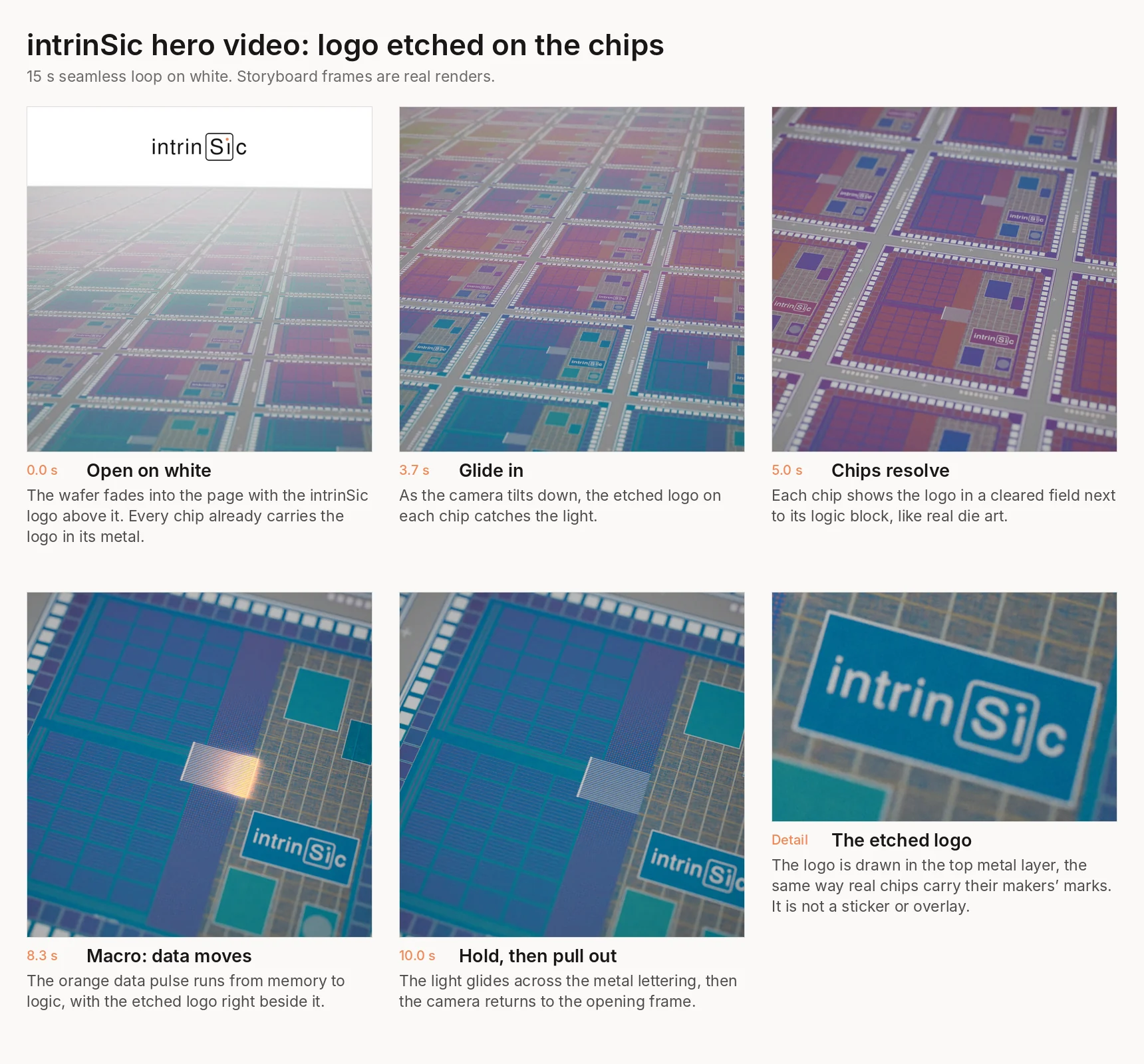
I studied how actual wafers and dies are photographed, then wrote a shot plan: open wide on the wafer, glide in, land on one chip, watch data move, return. Instead of sketches, every storyboard frame is a test render, so the team approved what they would actually get.
The first storyboard, rendered rather than drawn.
Building a Believable Die
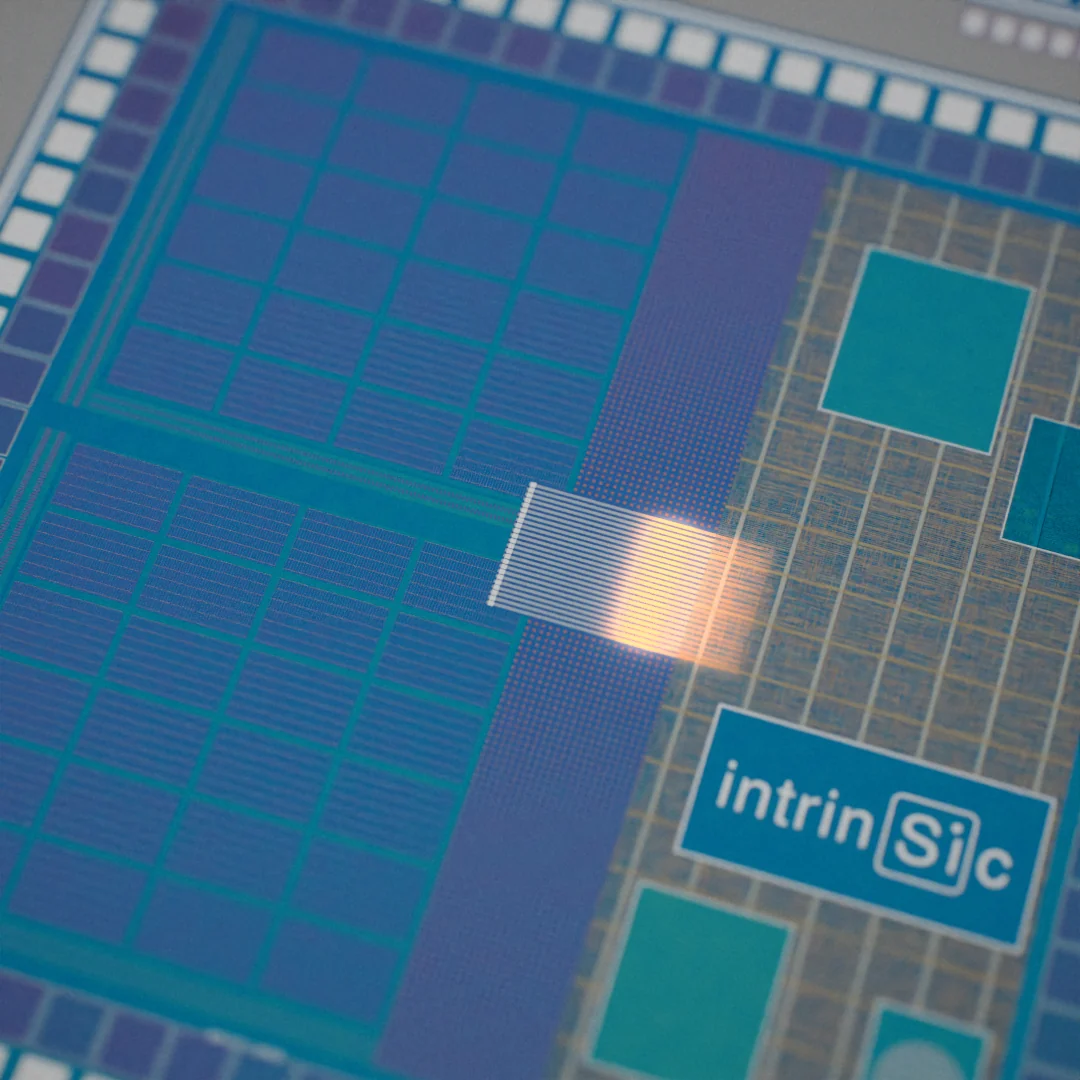
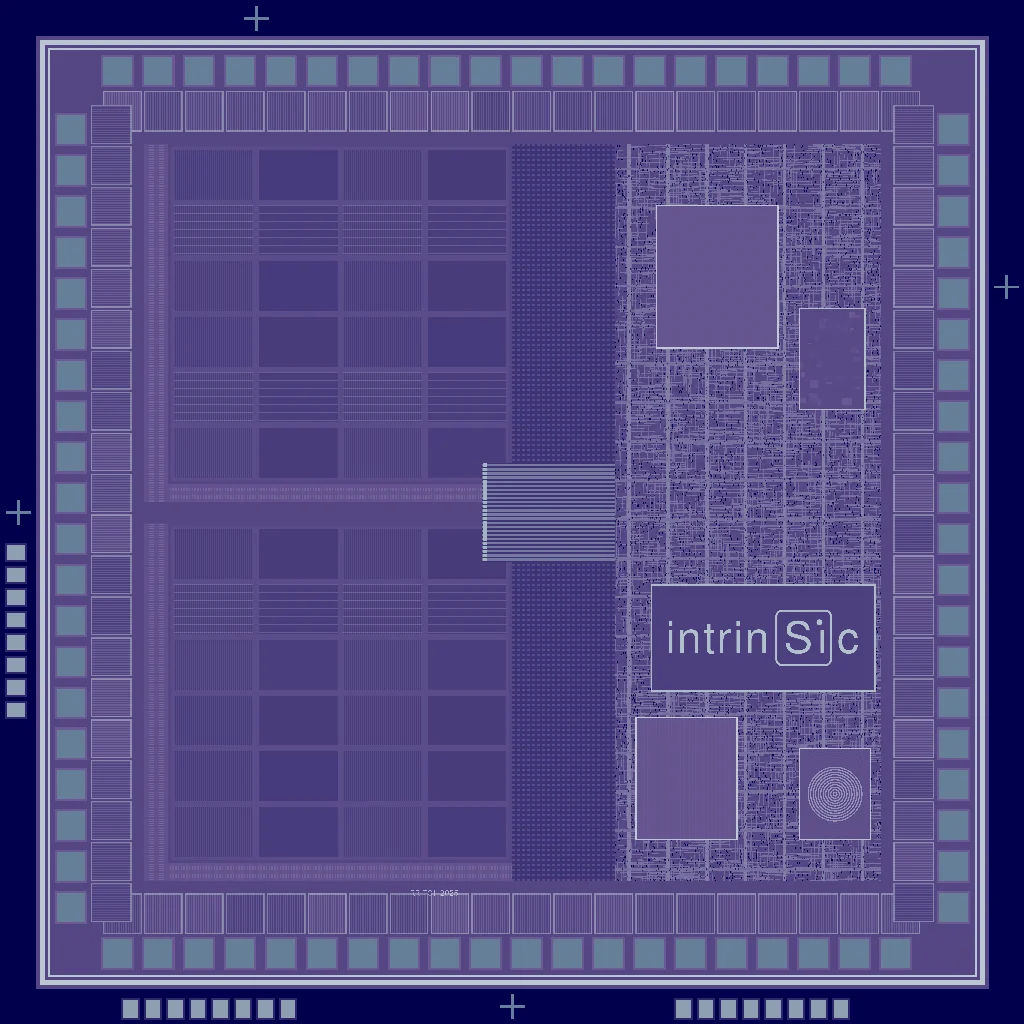
Up close, a fake chip gives itself away fast. Each die is an 8K layout generated in Python: a seal ring, I/O pads with probe marks, RRAM memory banks, logic rows, routing, and a 24 wire bus between memory and logic. The macro shot lands on that bus.
Three Rounds, Three Versions
The loop went through three rounds of feedback. The camera move stayed. The light and the brand changed. The film below plays all three, one after another.
Version 1
Dark studio, 12 sec
The first loop. The chip read well, but the top of the frame was heavy and black against a white website.
Version 2
White, logo above, 15 sec
Relit on white and made longer. The logo rode the horizon in the white space above the wafer.
Final
Logo etched in the chips
The floating logo is gone. The brand lives in the silicon, the way actual chips carry their makers' marks.
Feedback: White, Not Black
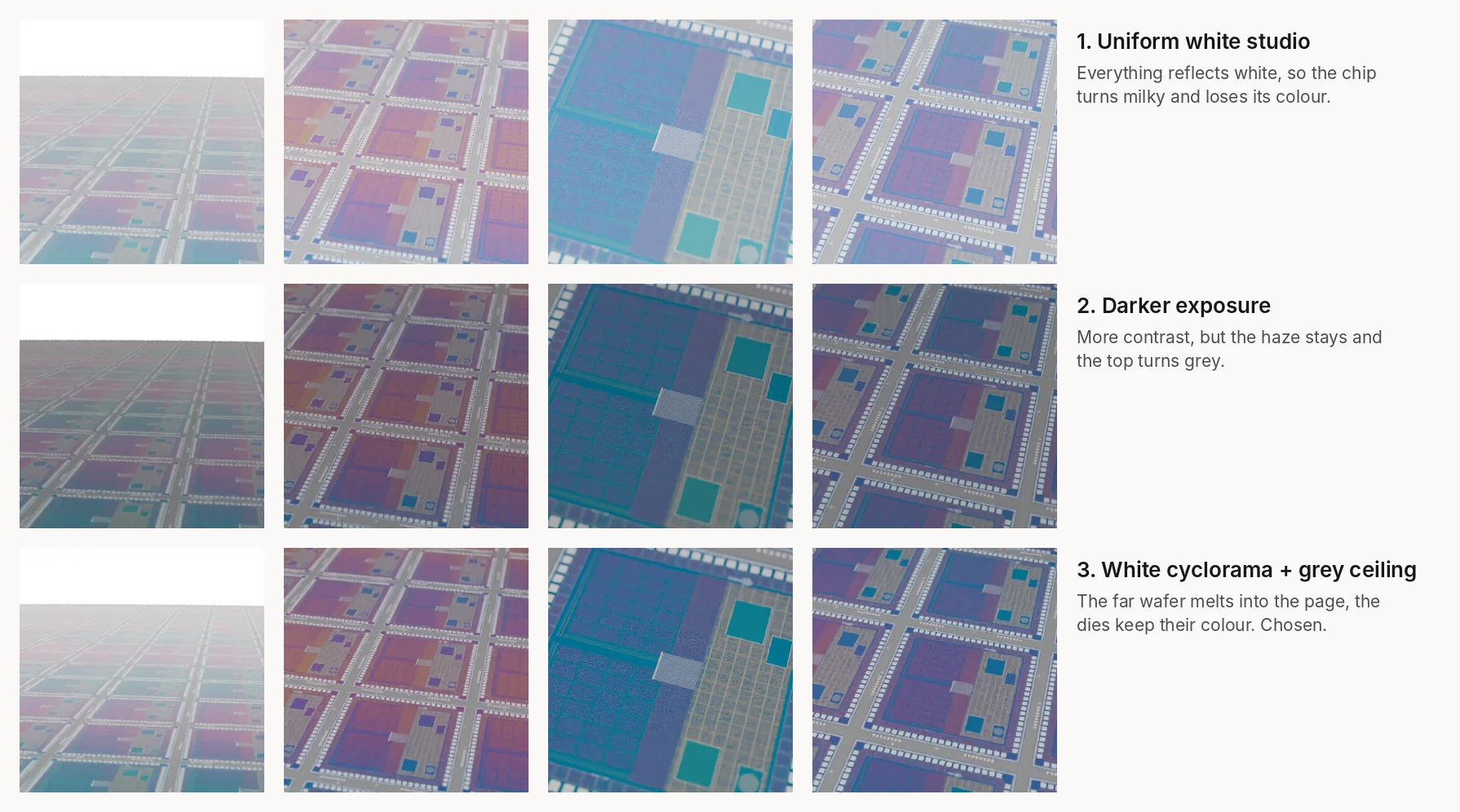
The website is white, so a dark studio made the video look like a hole in the page. But a mirror in a plain white room reflects white, and the chip turns milky. I tried three lighting setups and picked the one that let the far wafer melt into the page while the dies kept their colour: a white cyclorama with a soft grey ceiling for the wafer to reflect.
Three lighting passes. The third was chosen.
Putting the Brand on the Silicon
In version 2 the logo floated in the white space above the wafer. The team asked if it could be engraved on the chips instead. I storyboarded it with test renders: the logo drawn in the top metal layer of every die, in a cleared field beside the logic block. After review, the floating logo was removed so the chips carry the brand alone.
The etched logo storyboard. The top logo in the first frame was dropped in the final.
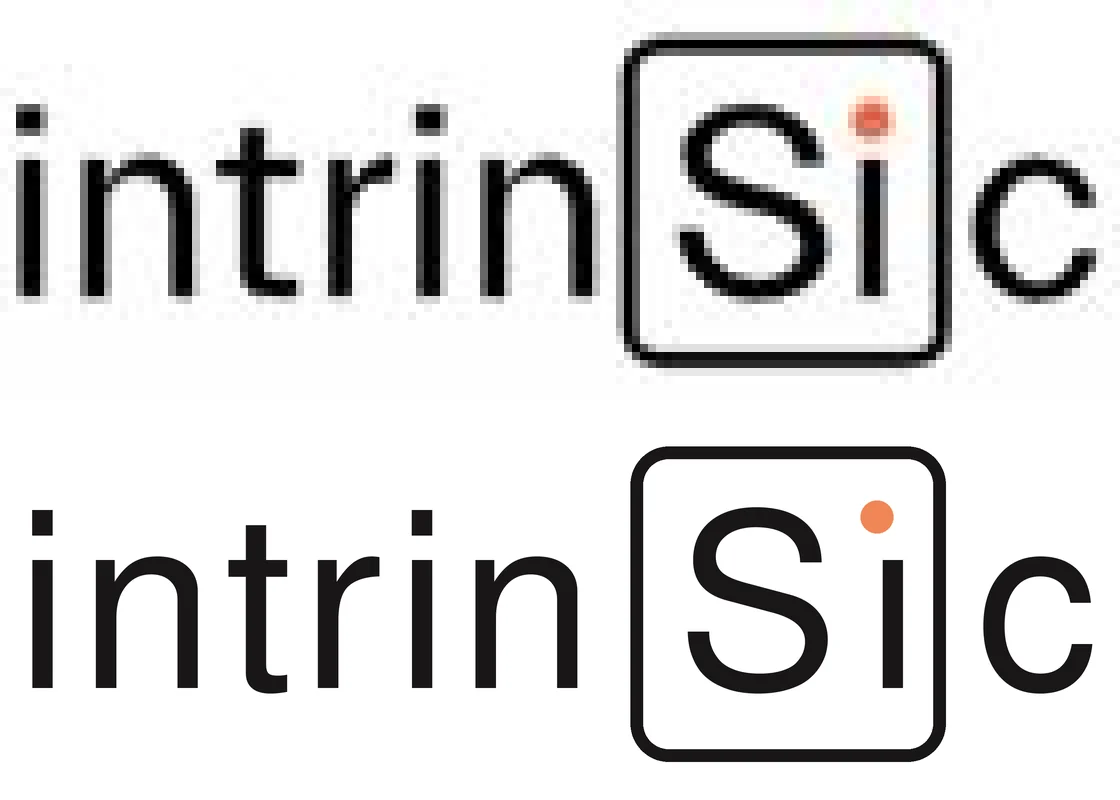
The logo itself was rebuilt from the site header at high resolution, so the letters stay crisp on the 8K die.
Rebuilt wordmark checked against the site header.
Motion Decisions
Decision 01
One slow move, no cuts
The camera makes one continuous move: open wide, push in, hold on the chip for about two and a half seconds, then glide back. Slow, eased motion reads as premium and never pulls attention from the headline beside it.
Decision 02
The headline, shown as light
One orange pulse, in the exact brand orange, runs from memory to logic and back across the bus. It is the only saturated thing that moves, so the eye goes straight to it, and it shows the page's headline: data moving between memory and processing.
Decision 03
Focus does the storytelling
As the camera lands, the focus slides from the wafer onto the bus, and the shallow macro depth of field softens everything around it. The focus pull is the transition, so nothing needs to be added on top.
Decision 04
A loop you cannot find
The camera path ends exactly where it starts, with the same speed and focus, so the last frame flows into the first. Even the gentle sideways drift runs on a 15 second cycle. I checked the seam by comparing the change between the last and first frame with the change between any two neighbouring frames.
Decision 05
Silent on purpose
Hero videos autoplay muted, so the loop is designed to work without sound: every beat is visual.
How I Built It
The whole scene is a Python script for Blender, written with AI coding agents and rendered in Cycles: the wafer, the 8K die layout, the studio light, the camera keys and the pulse. A second script grades the frames, composites them onto pure white and adds fine film grain, then the loop is exported as MP4, WebM, a poster and a ProRes master.
Every render was at full quality, and every frame was checked before delivery.
Blender (Cycles)PythonFFmpegAI coding agents
What I Learned
Design the video for the page it lives on. The best dark render still looked wrong on a white site.
Storyboards made of test renders get faster, clearer feedback than sketches.
Branding works best when it belongs to the world of the image. A logo etched in the metal beats a logo on top.
The first Intrinsic film
Before the hero loop, I made a 41 second film that explains how Intrinsic's RRAM memory cell works.