
One story
Problem, product and proof in 69 sec.
Problem, product and proof in 69 sec.
Screens rebuilt to match the live app.
11 issues found and fixed, scene by scene.
SoftworkerAI needed a short film for the launch of its new website. In about a minute, it had to show what the product is: one thread where people and AI agents do real work together, and nothing ships without a human saying yes.
No stock footage and no mockups. Every screen in the film is built from the product's real layout and copy.
One idea per scene, and each scene answers the question the last one raised.
| Time | Scene | What it says |
|---|---|---|
| 0:00 | The problem | AI got smarter. The work stayed scattered. |
| 0:08 | The answer | The logo, then the promise: a workspace for humans and AI agents. |
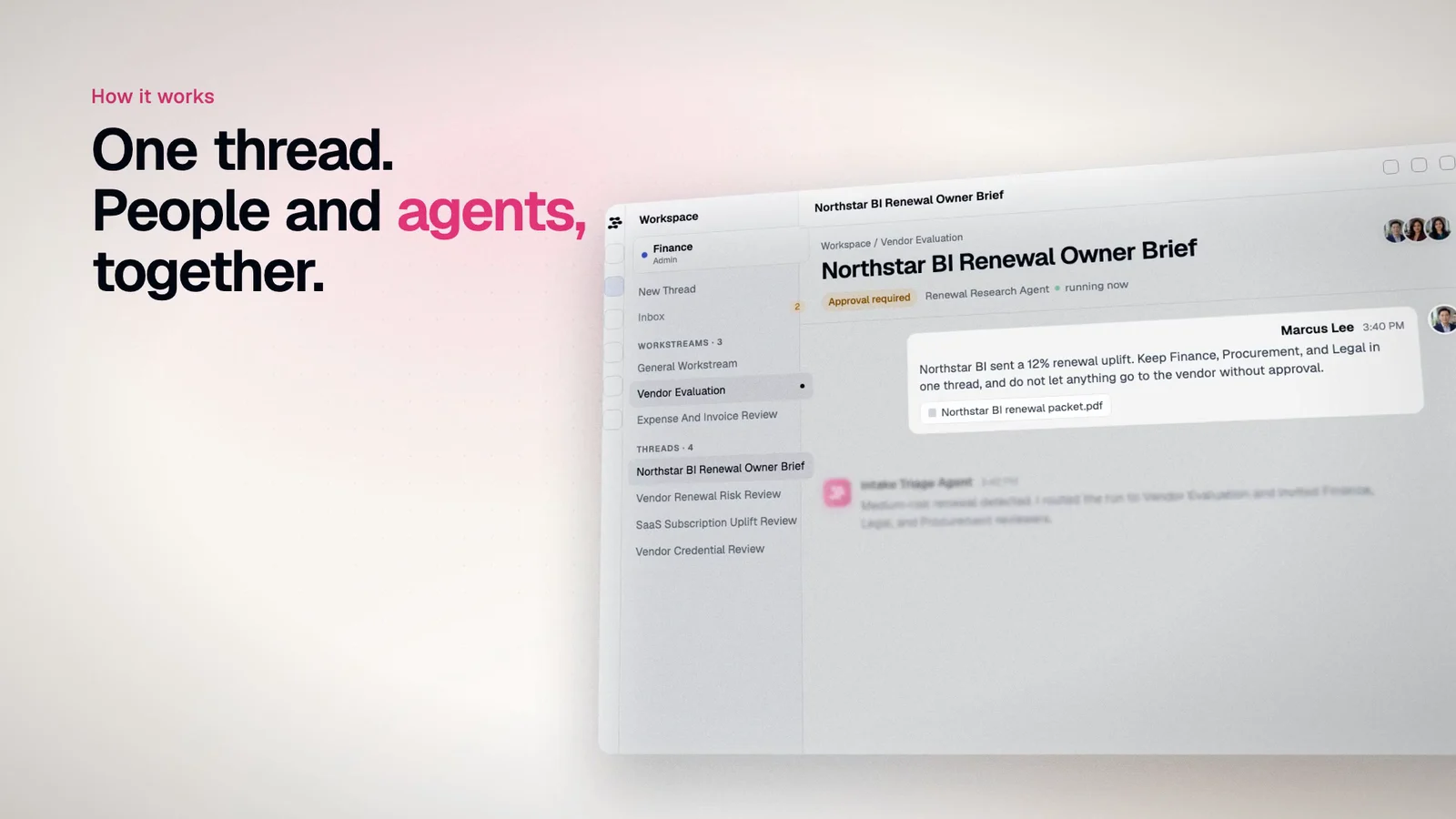
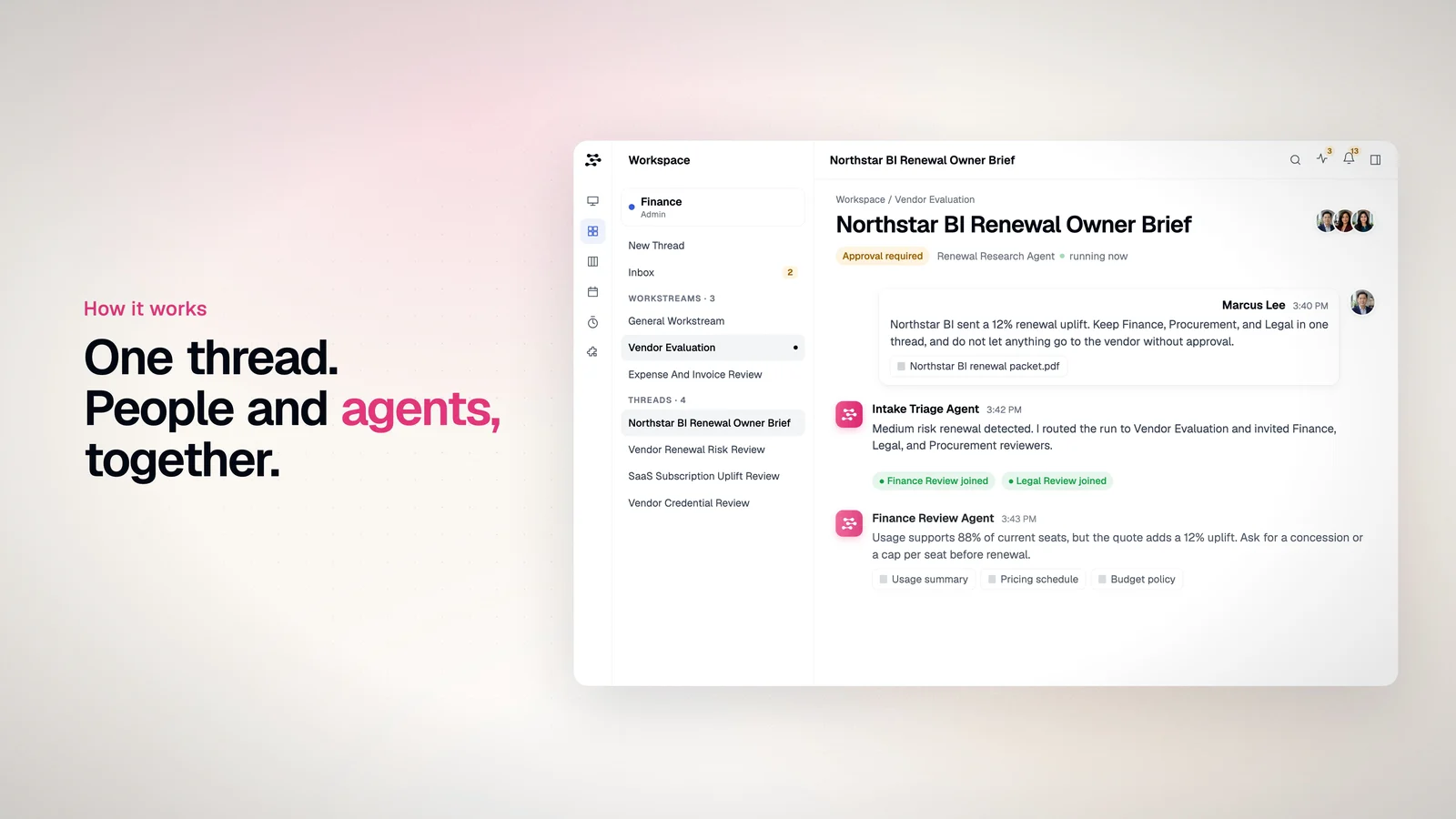
| 0:16 | One thread | People and agents work the same request, side by side. |
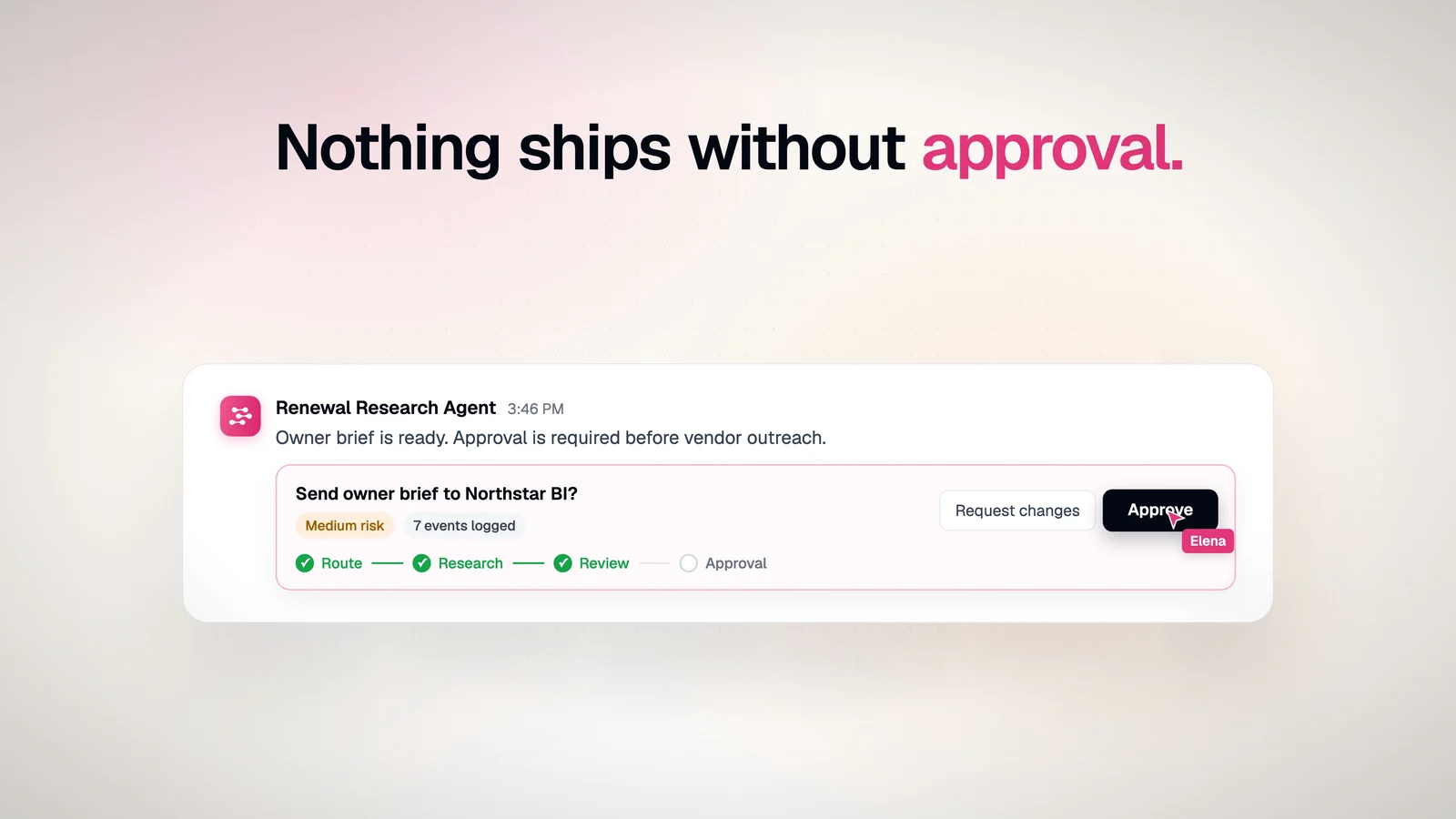
| 0:24 | Approval | Nothing ships without approval. Elena clicks Approve. |
| 0:28 | Goals | Describe the outcome, and agents plan the work. |
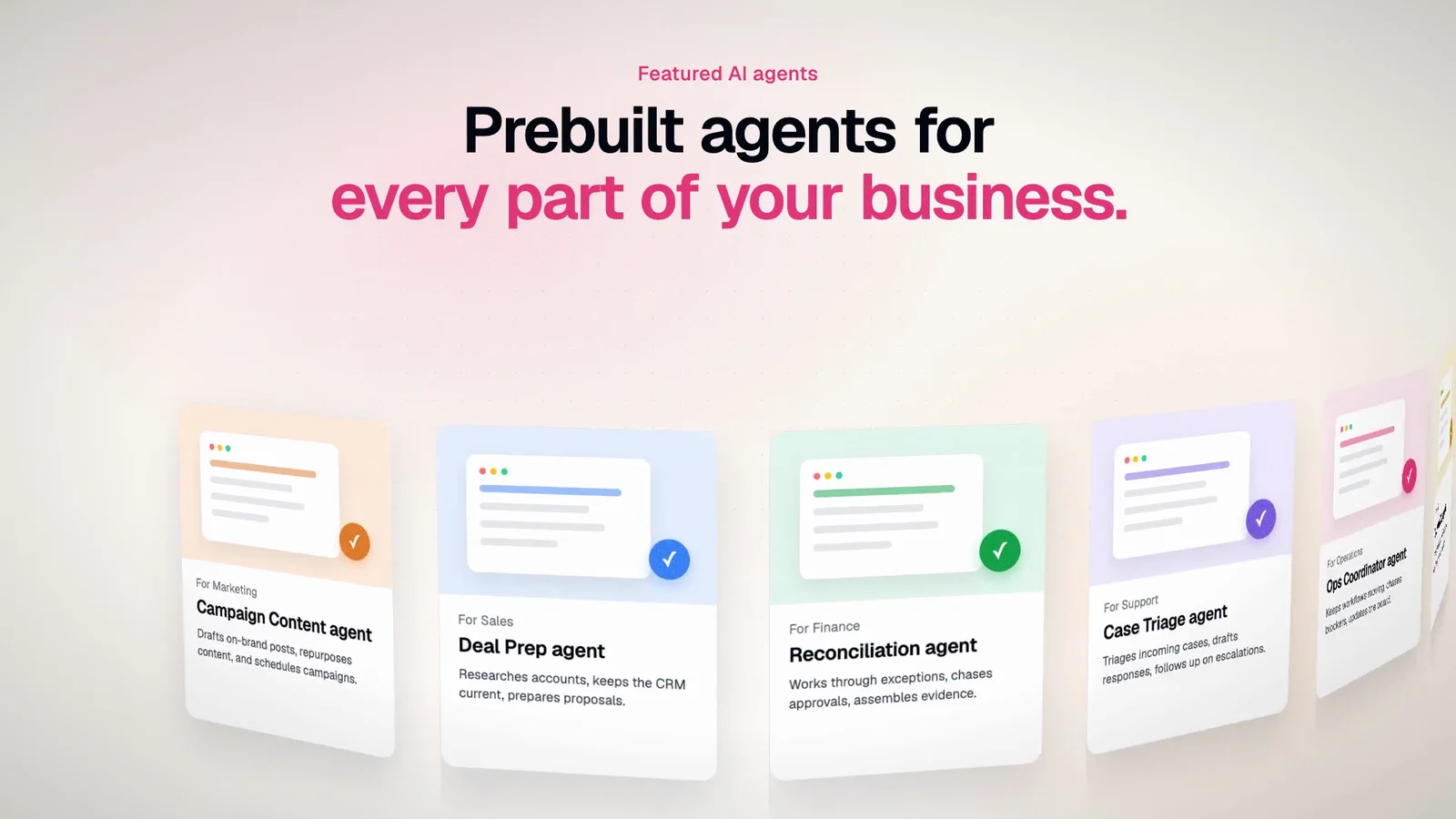
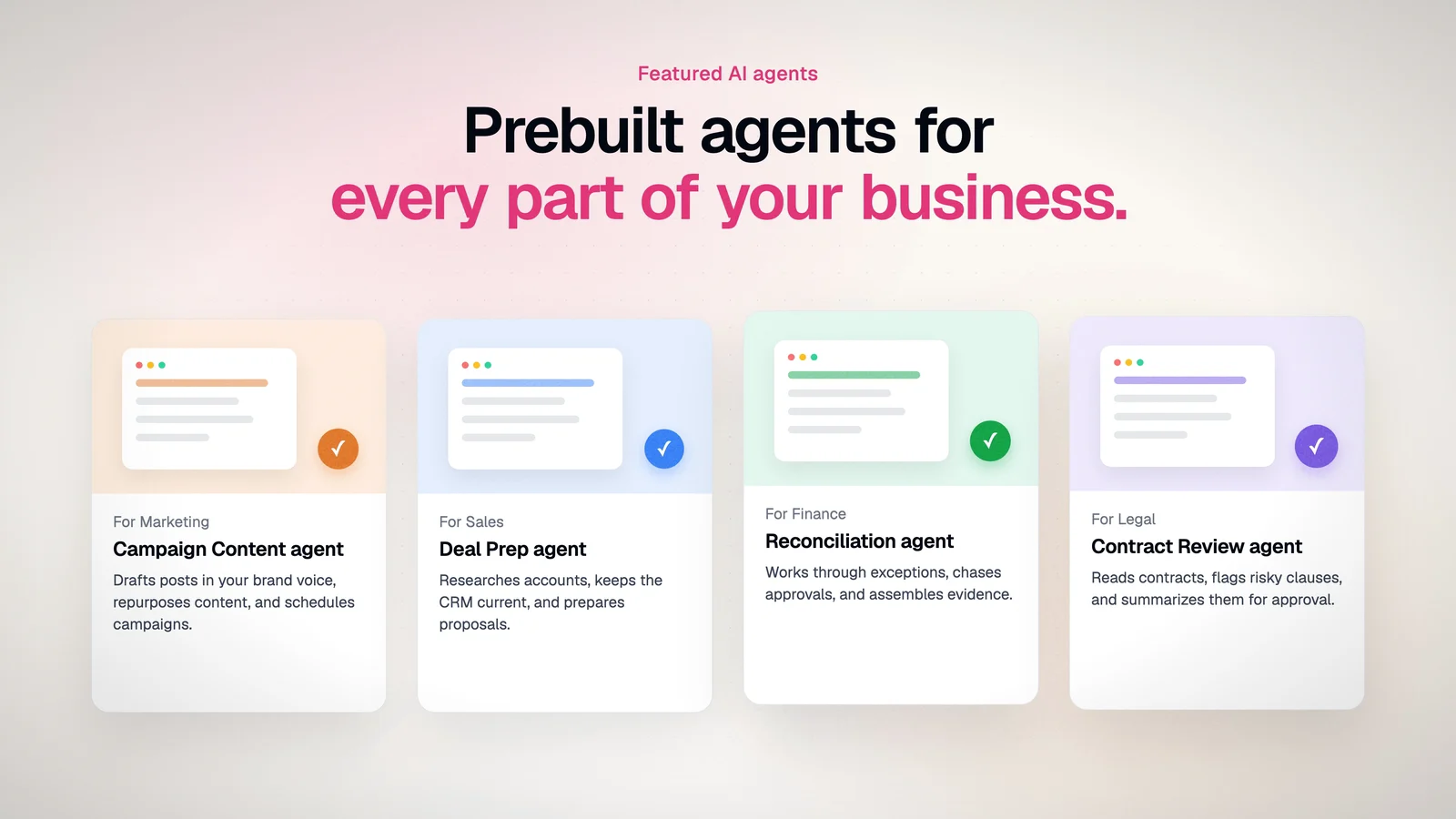
| 0:34 | Agents | Prebuilt agents for every team. |
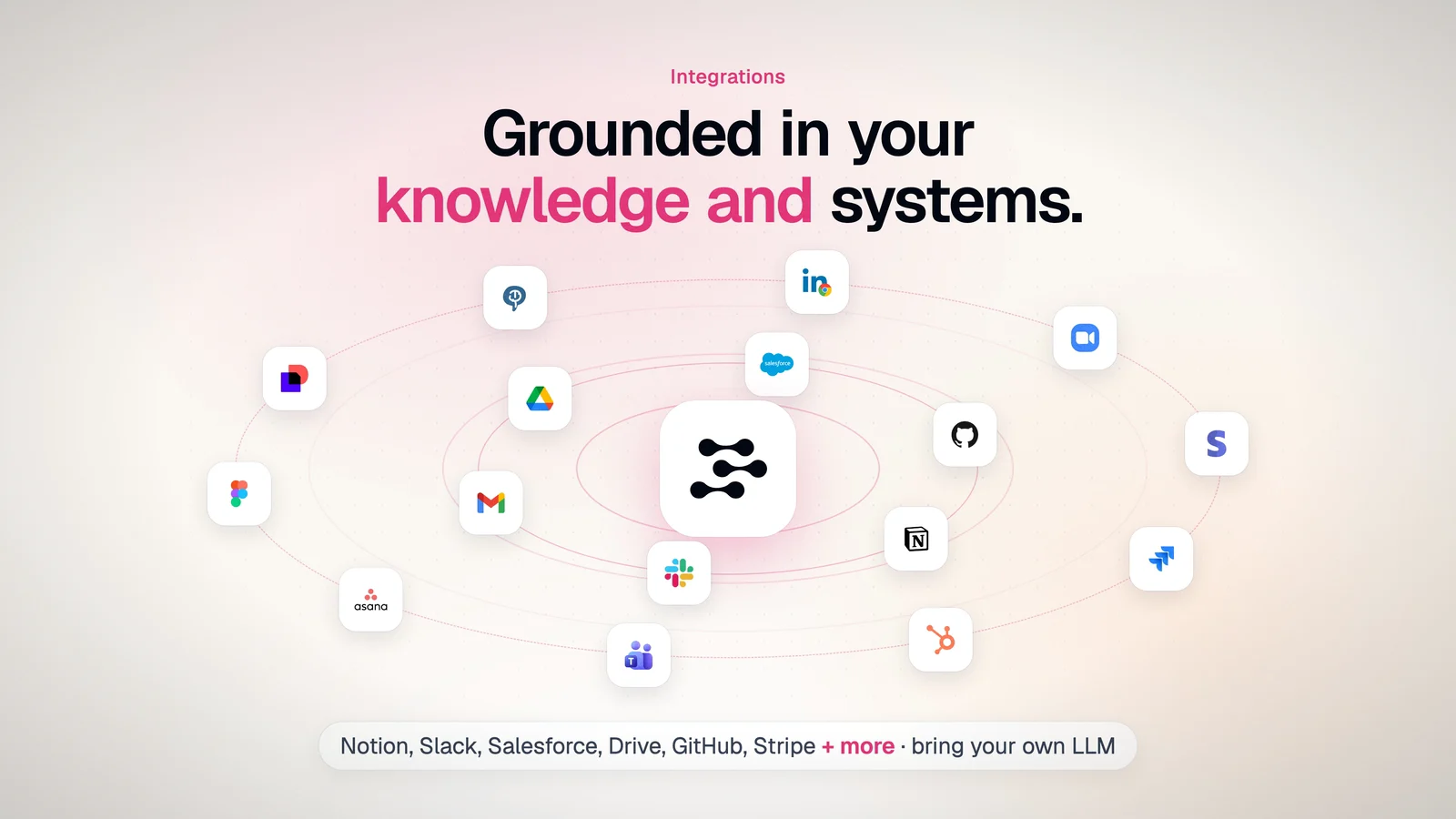
| 0:40 | Integrations | Grounded in the tools a team already uses. |
| 0:46 | Governance | A governed workspace, not another chatbot window. |
| 0:54 | Impact | What a team can measure, shown as an example dashboard. |
| 1:00 | Call to action | Free beta for the first 10 teams. |
I watched the first cut one frame per second and listed 11 problems. Things overlapped, screens were tilted and cropped, and the product text was too small to read. I rebuilt every scene.
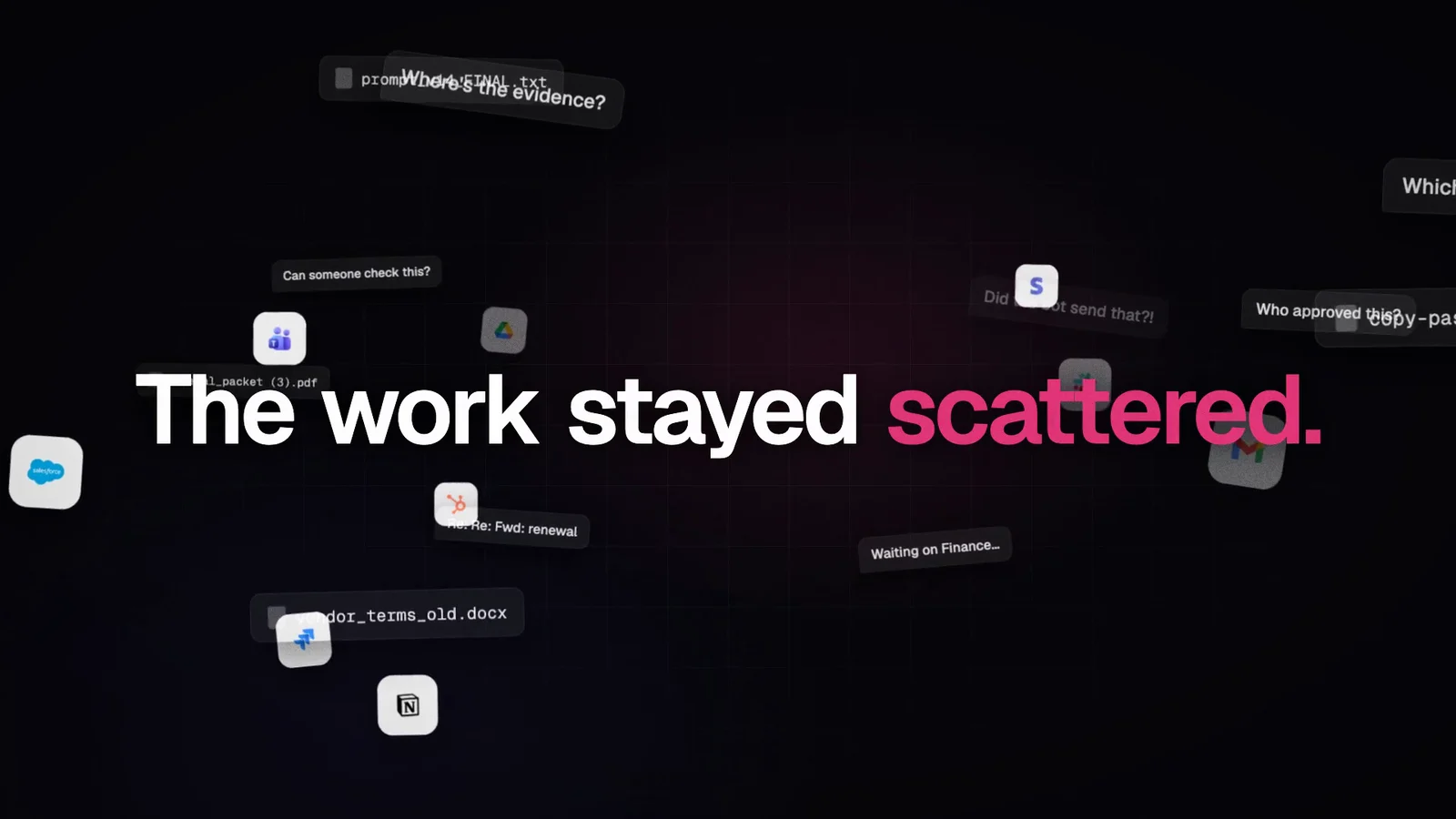
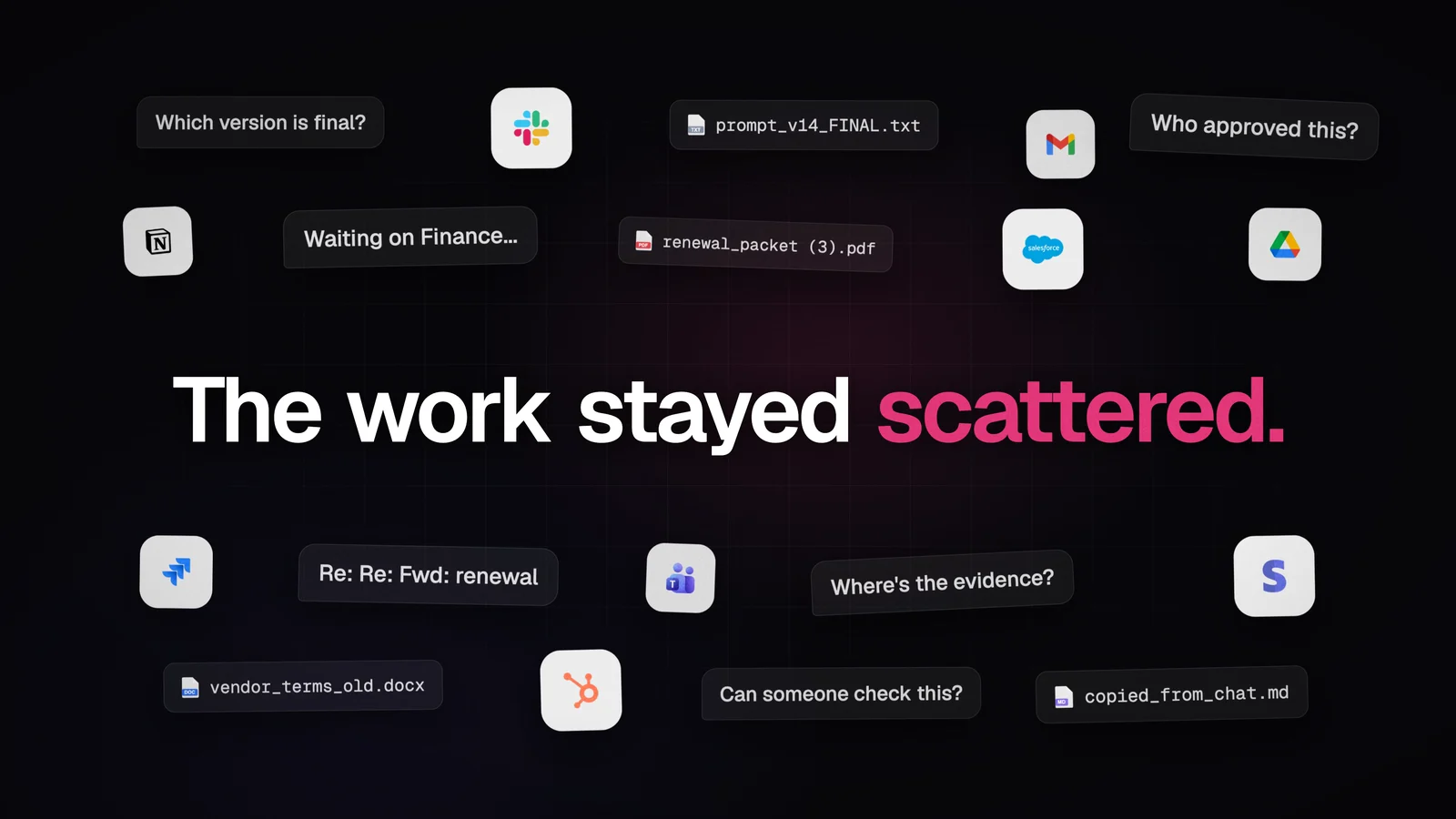
The dashboard mattered most, because it is the product. It went from a tilted, blurry picture to a flat window that matches the live app: white surfaces, the real icons and text you can read.
Decision 01
Blurry crossfades made scenes look smeared. Now each scene moves up as one sharp page while the next rises in, like scrolling, timed to the music.
Decision 02
I traced the mark from the official logo file so it stays crisp in 4K, and sized it against the wordmark so the lockup feels balanced.
Decision 03
Headlines now appear in half the time, so the film keeps moving. The product screens stay still and in frame long enough to read.
Built in code with Remotion and written with AI coding agents, so every fix is a small change and a re-render. Final render in 4K.