
One morning
Three roles, one story in 68 sec.
Three roles, one story in 68 sec.
Cut from 1:46 to 1:08 with no dead air.
Voice sits 21 dB over the music, up from 7.
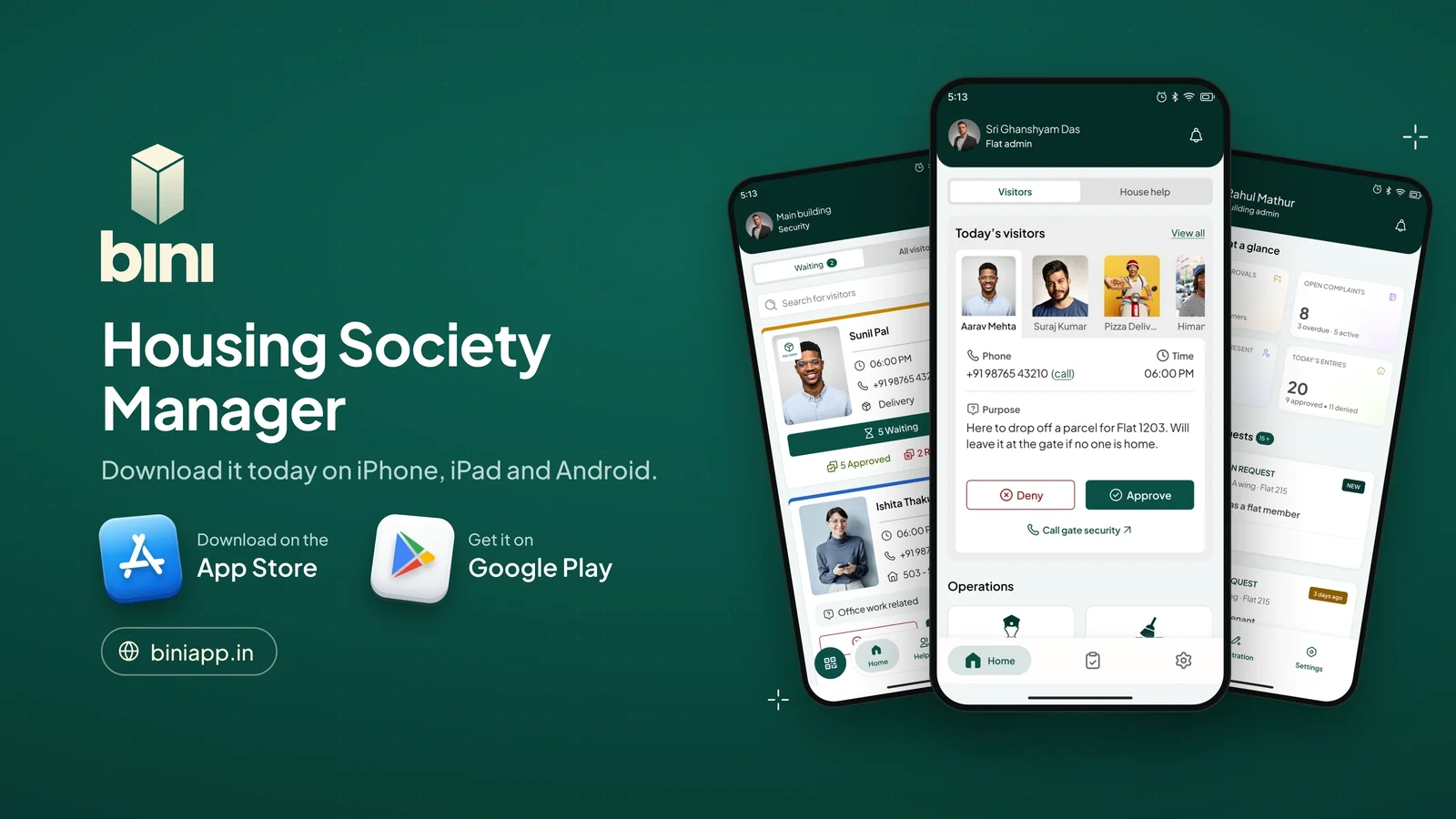
Bini helps housing societies in Maharashtra run the everyday: visitors at the gate, maintenance bills, notices and emergencies. It was launching on the App Store and Google Play and needed a film for YouTube and the store pages.
The ask: 16:9, under two minutes, in Bini's green and cream, modelled on a set of SaaS launch films picked as references. It had to show who the app is for and what it does, using the real app screens, not mockups.
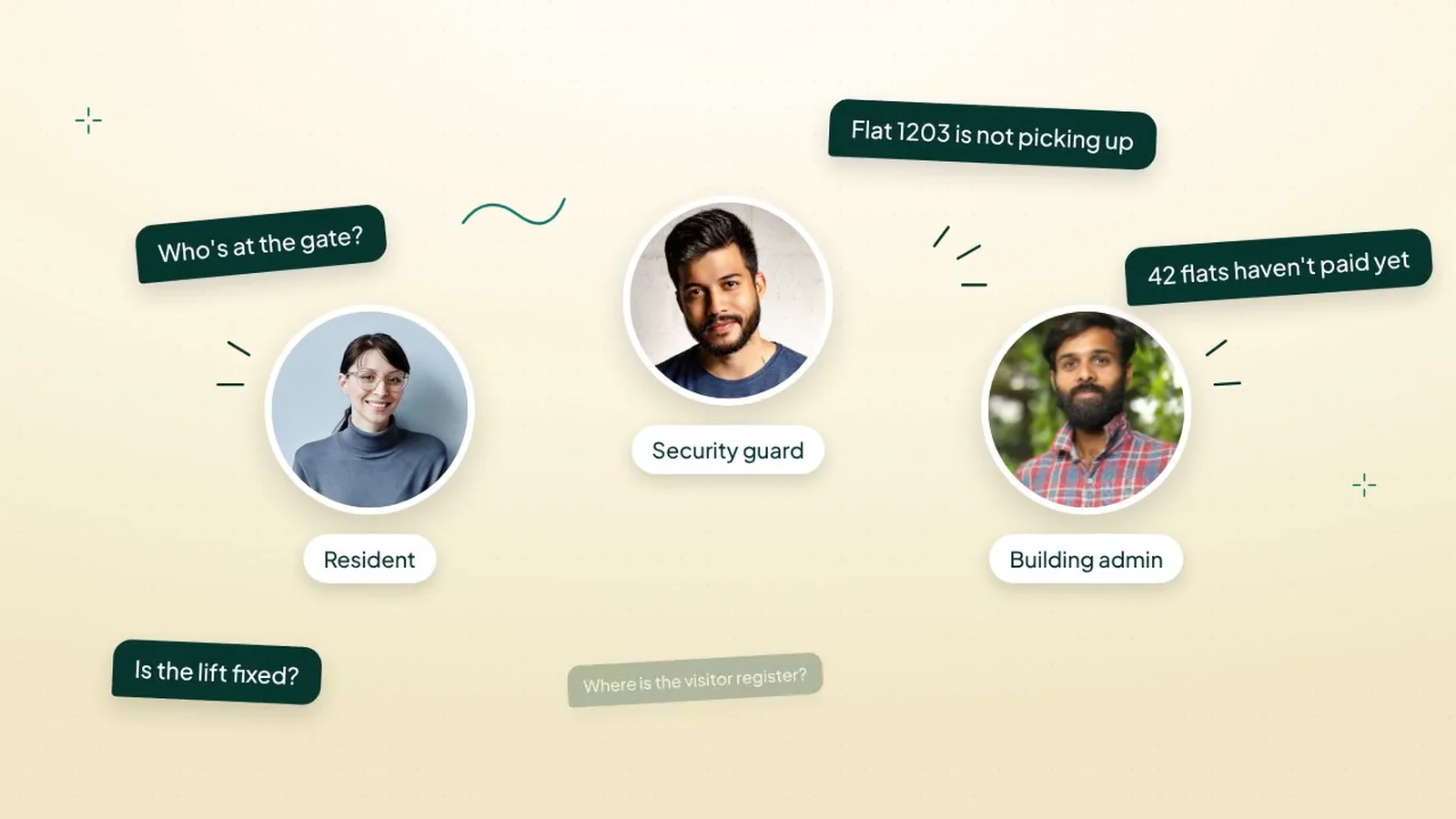
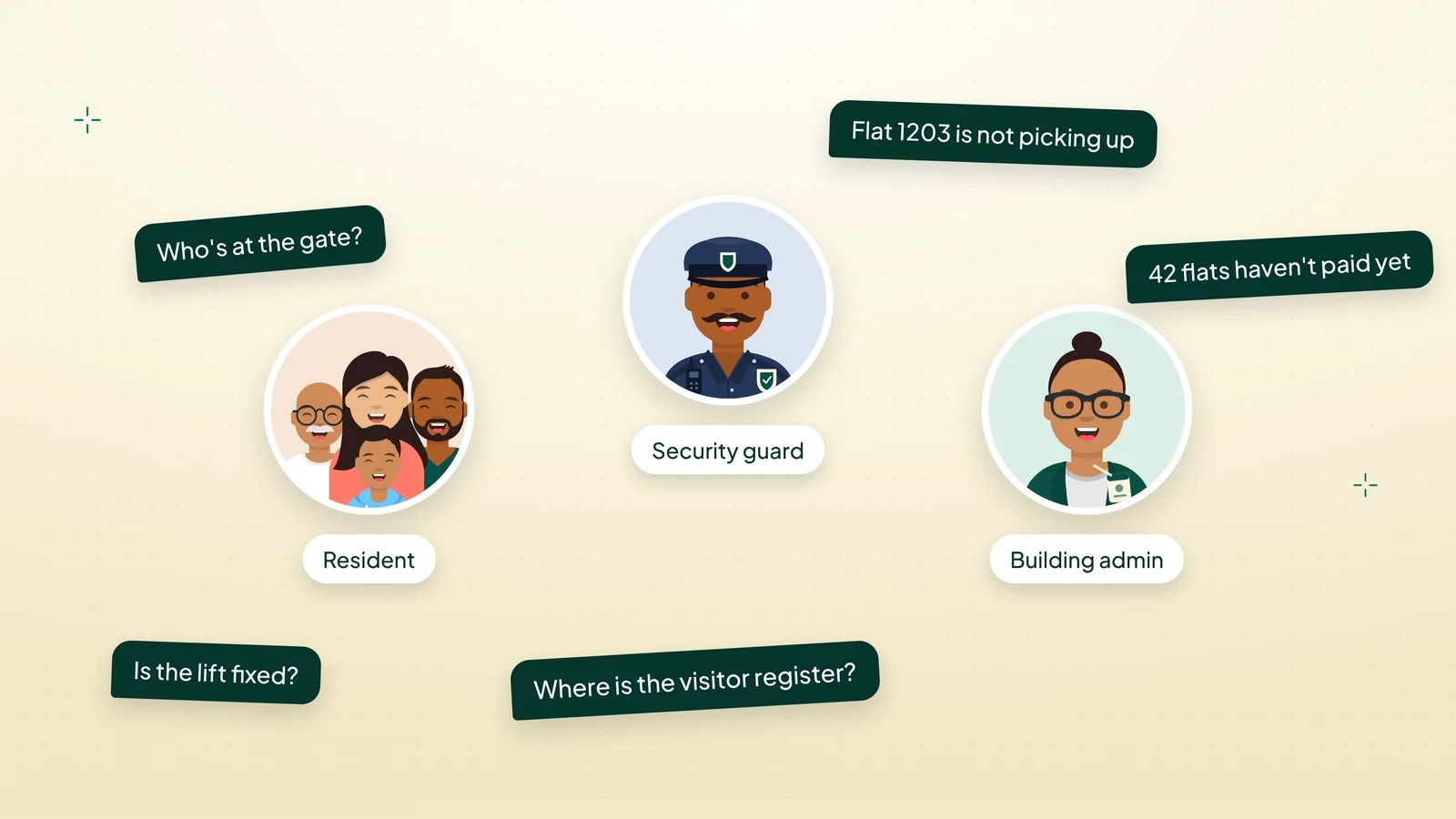
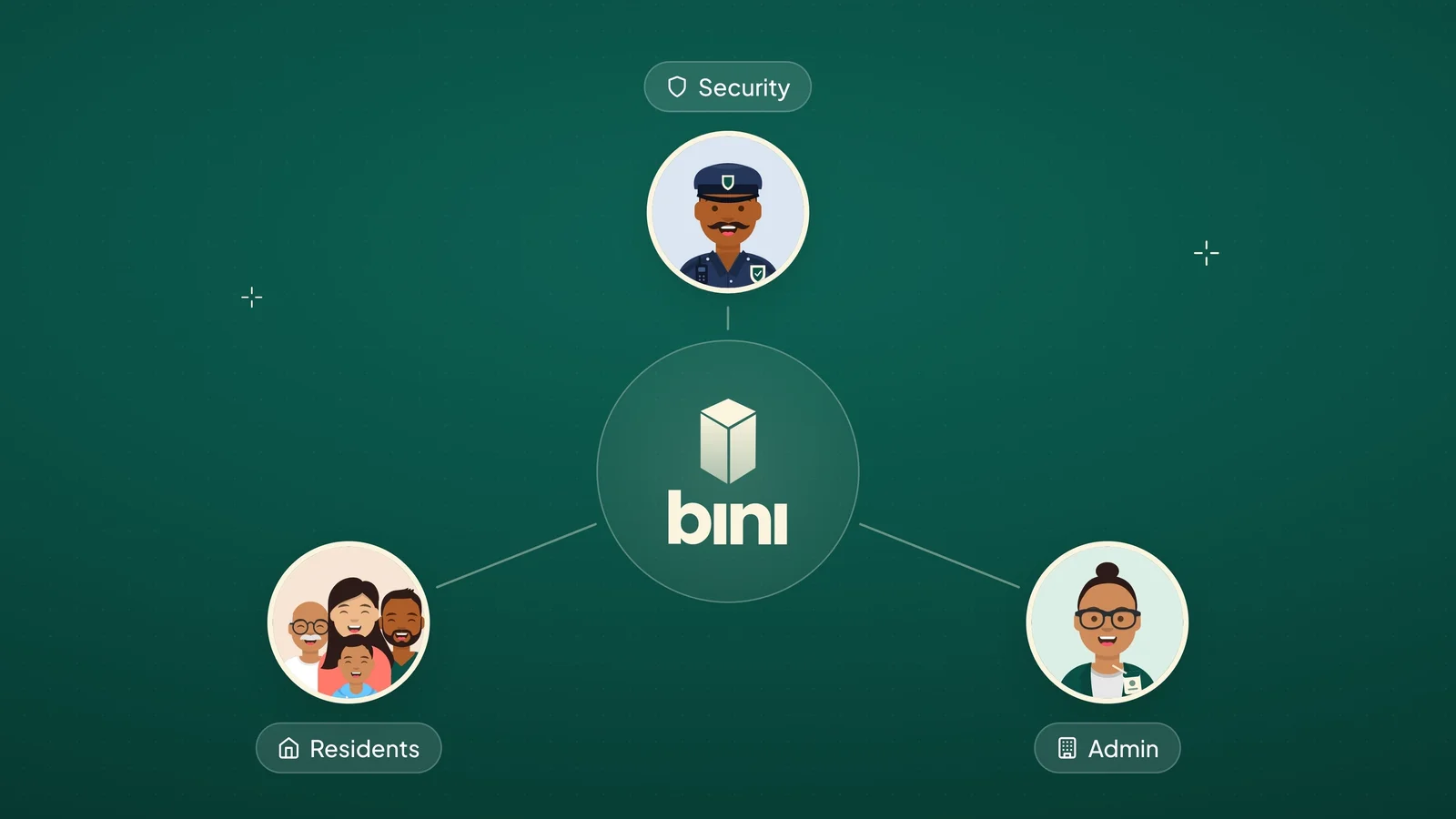
One society has three kinds of users, and each one feels the chaos differently. The film follows all three through the same morning.
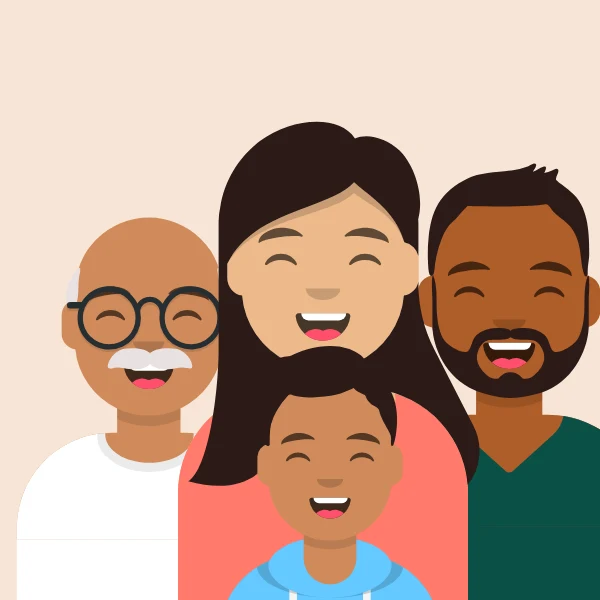 Residents
See a photo, approve in one tap, send QR passes, pay dues.
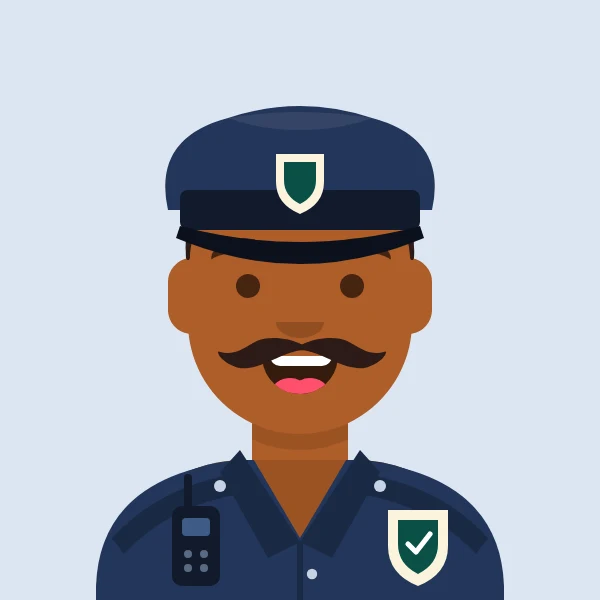 Security guards
Log visitors in seconds, scan passes, reach a flat without calling.
 Building admins
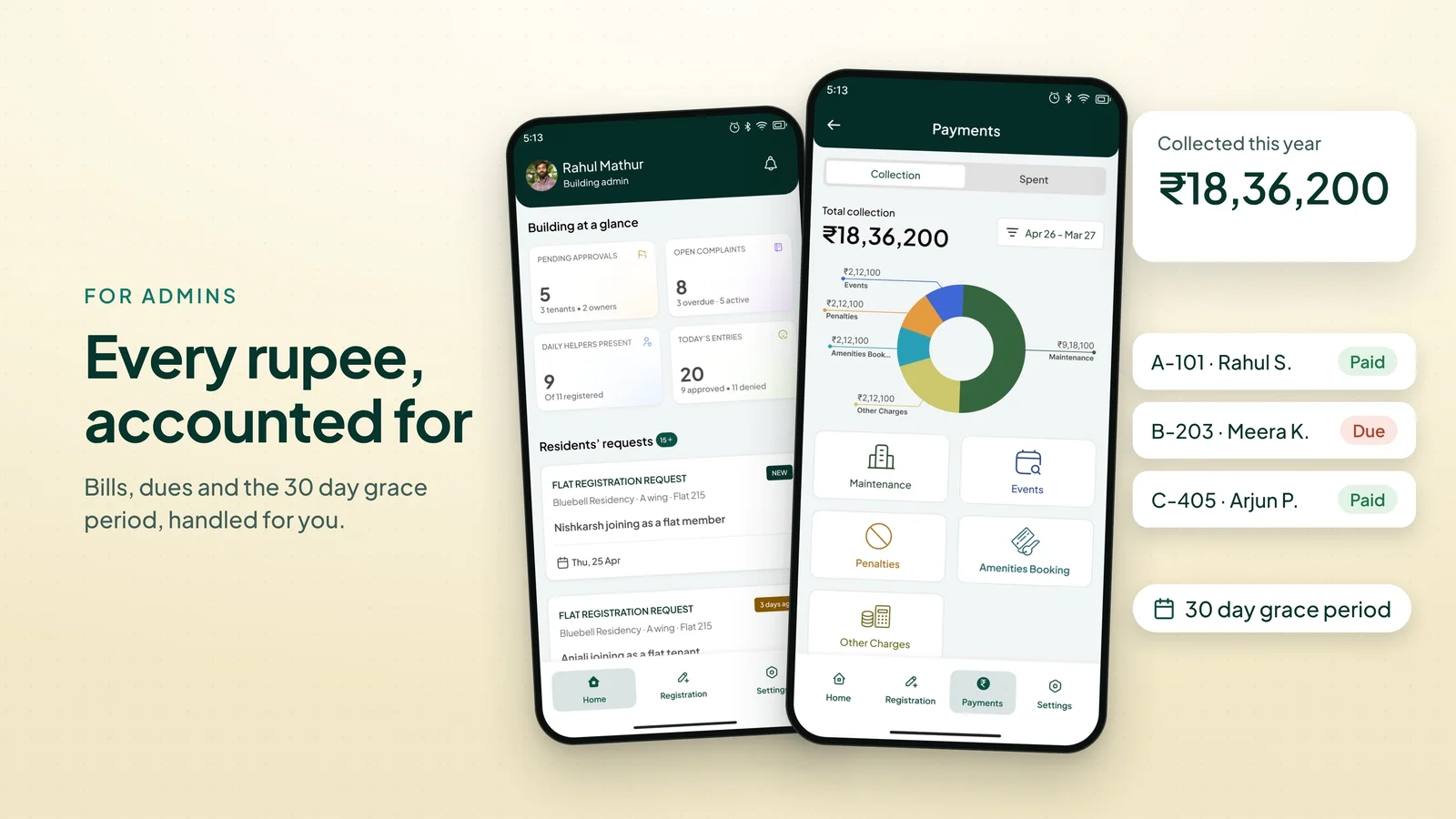
Send bills, track dues with a grace period, send notices to all homes.
One society morning, from chaos to calm. Each scene answers the question the last one raised.
| Time | Scene | What it says |
|---|---|---|
| 0:00 | The morning rush | Every morning, in every housing society, it is the same story. |
| 0:05 | The chaos | Calls from the gate. Paper registers. Group chats nobody reads. |
| 0:11 | Meet Bini | The logo, then the promise: one app for your whole society. |
| 0:16 | Three roles | Built for residents, security and the people who run the building. |
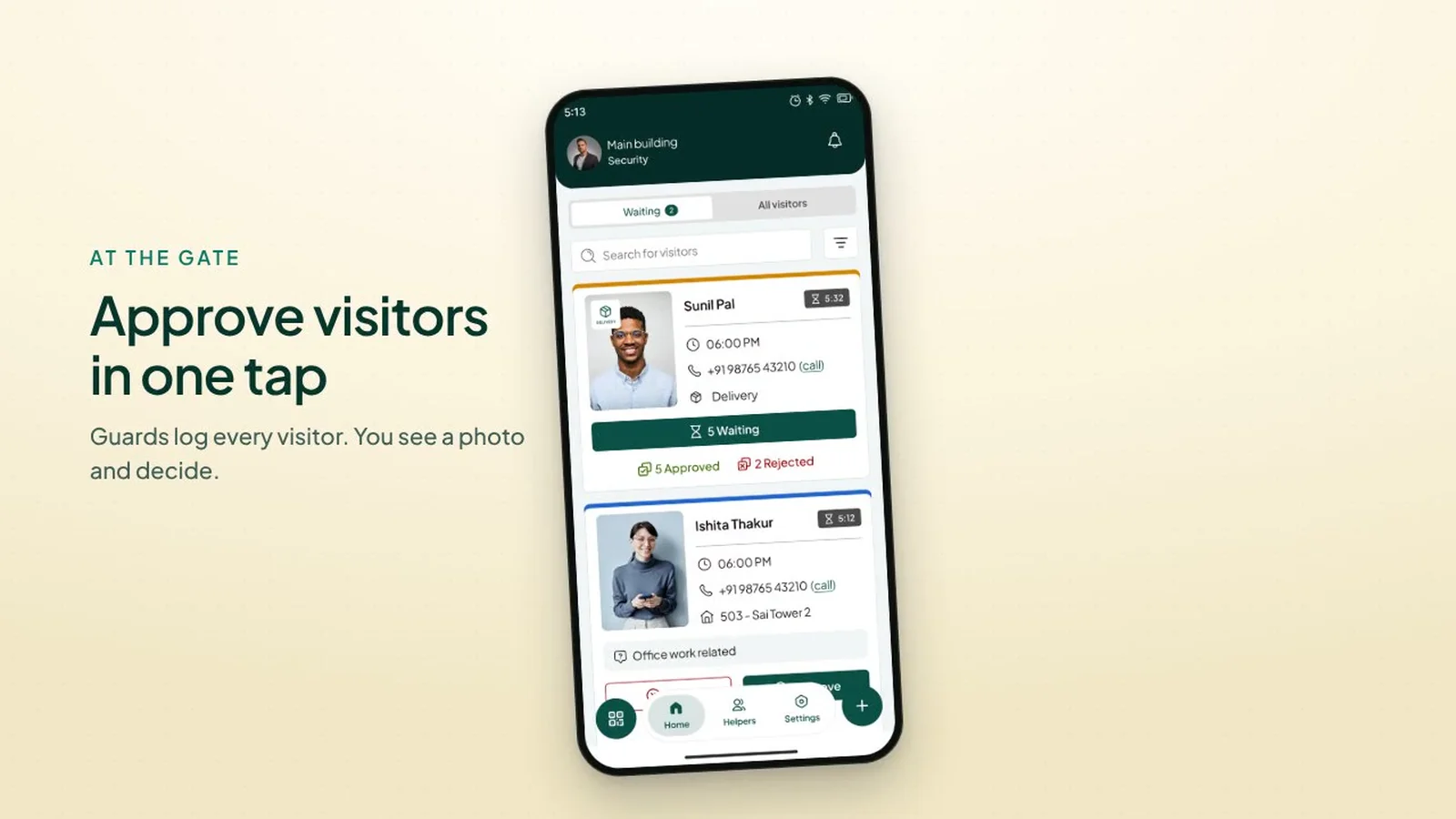
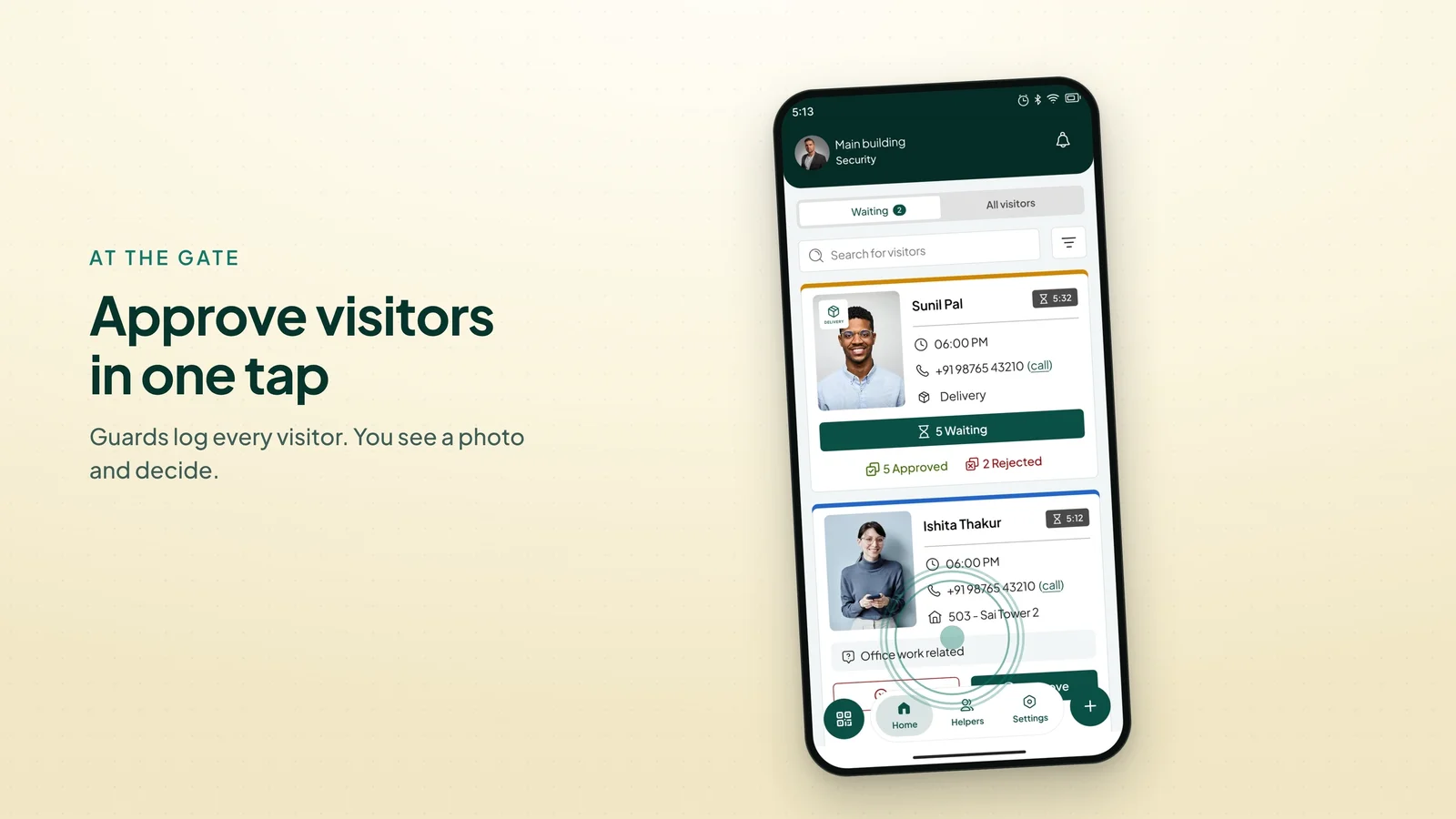
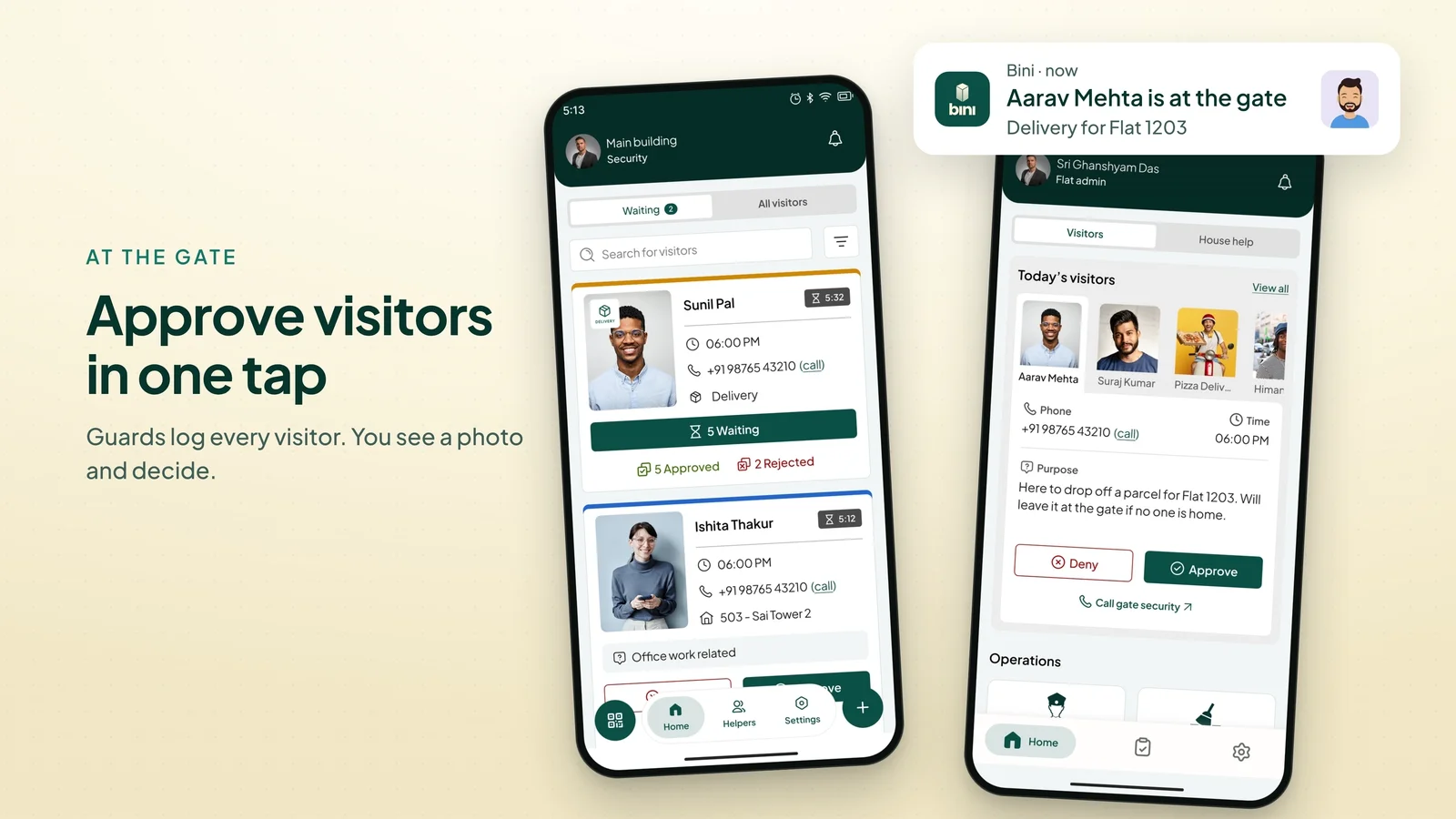
| 0:21 | At the gate | The guard logs a visitor. The resident sees a photo and taps Approve. |
| 0:29 | Guest pass | Send a QR pass and guests walk right in. |
| 0:35 | Bridge | Every visitor. Verified. |
| 0:37 | For admins | Bills, every rupee tracked, dues with a 30 day grace period. |
| 0:46 | Safety and notices | Help in one tap, and every notice reaches every home. |
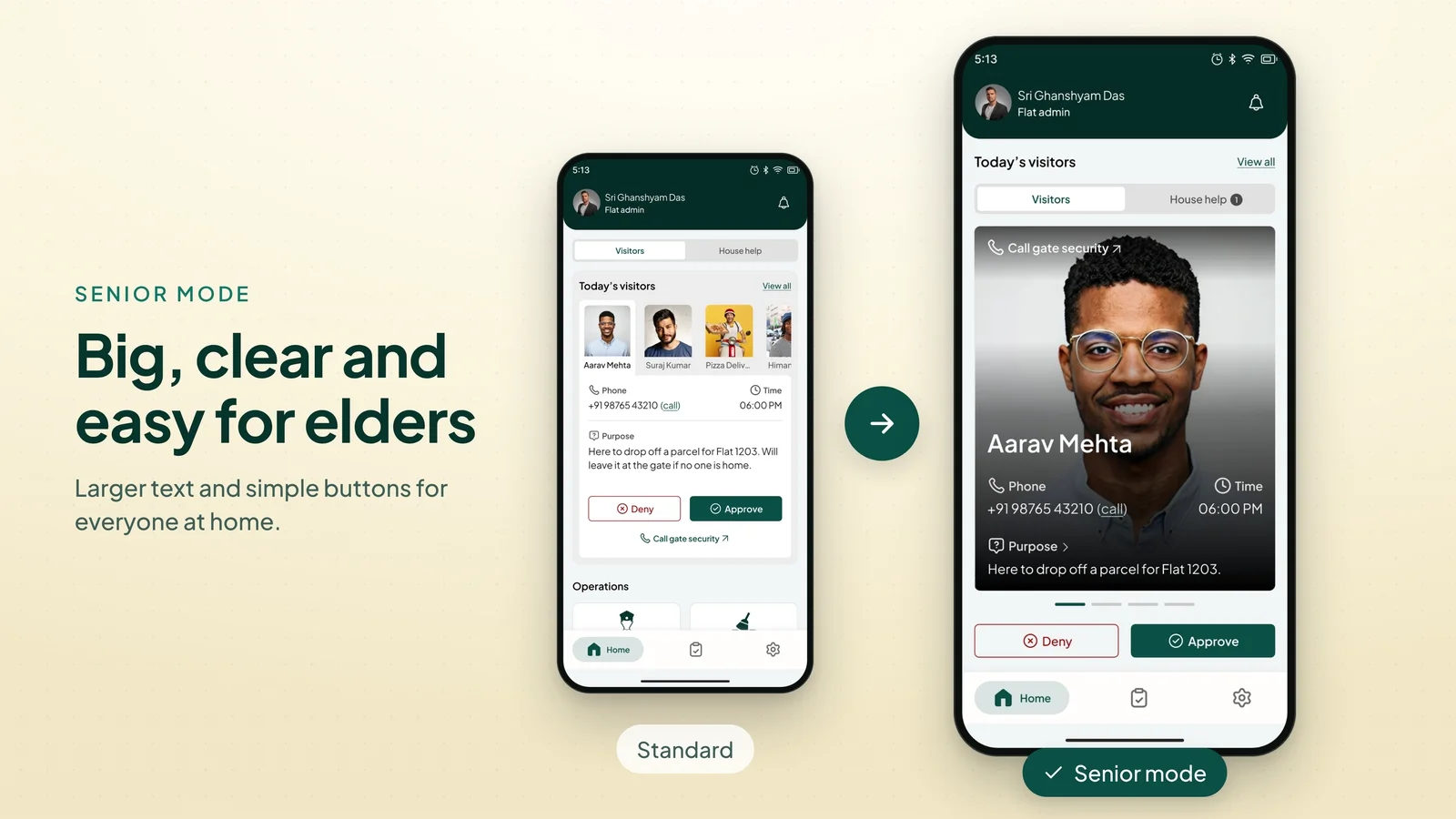
| 0:53 | Senior mode | Big, clear and easy for elders. |
| 0:58 | The calm | Less chaos. More community. |
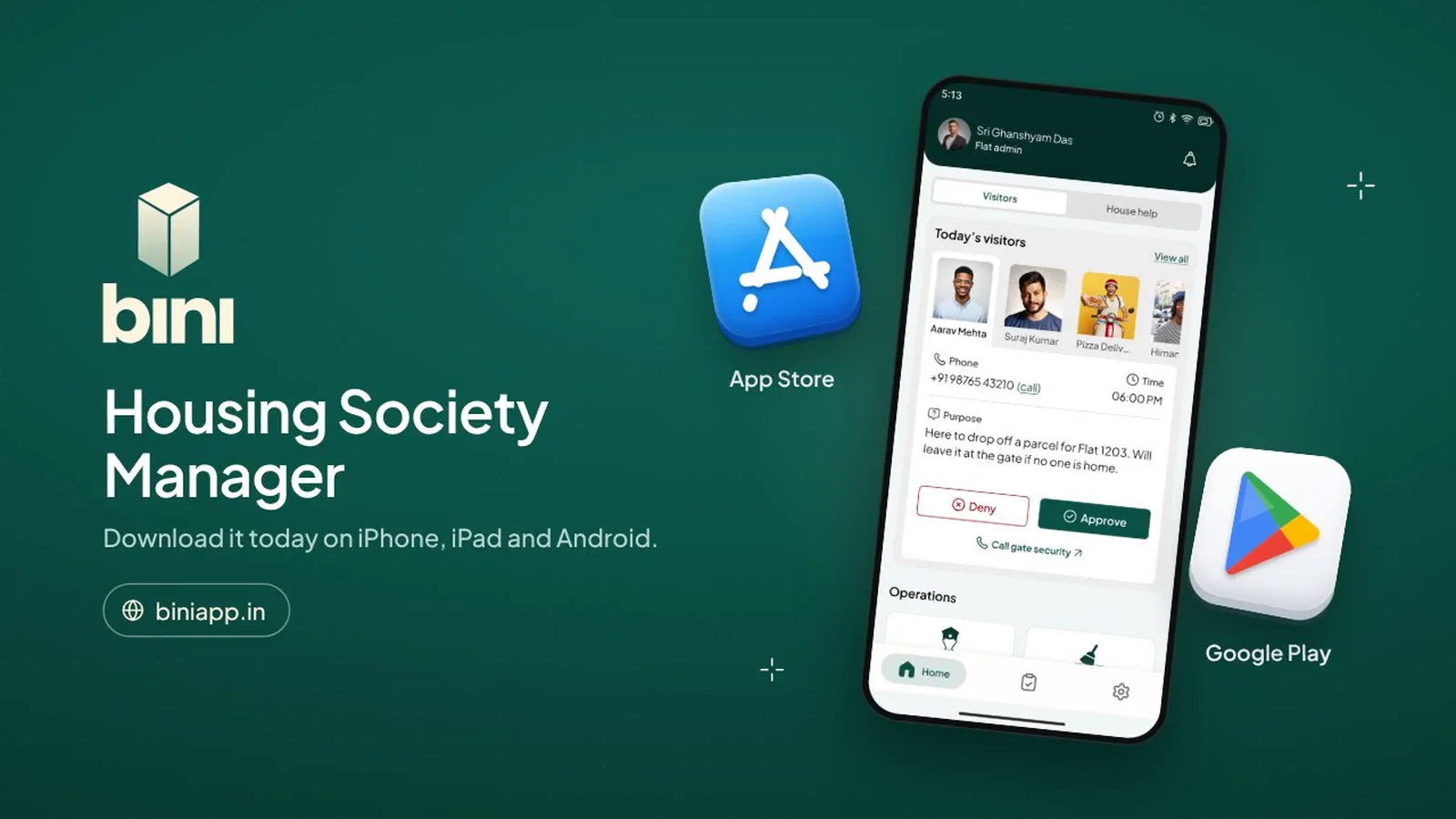
| 1:02 | Call to action | Download Bini on iPhone, iPad and Android. |
I started with a still storyboard of all 12 scenes so layout and copy could be agreed before anything moved. It went through one round of fixes: wider cards so titles fit on one line, a centred logo, grey phone shadows and no dotted lines.
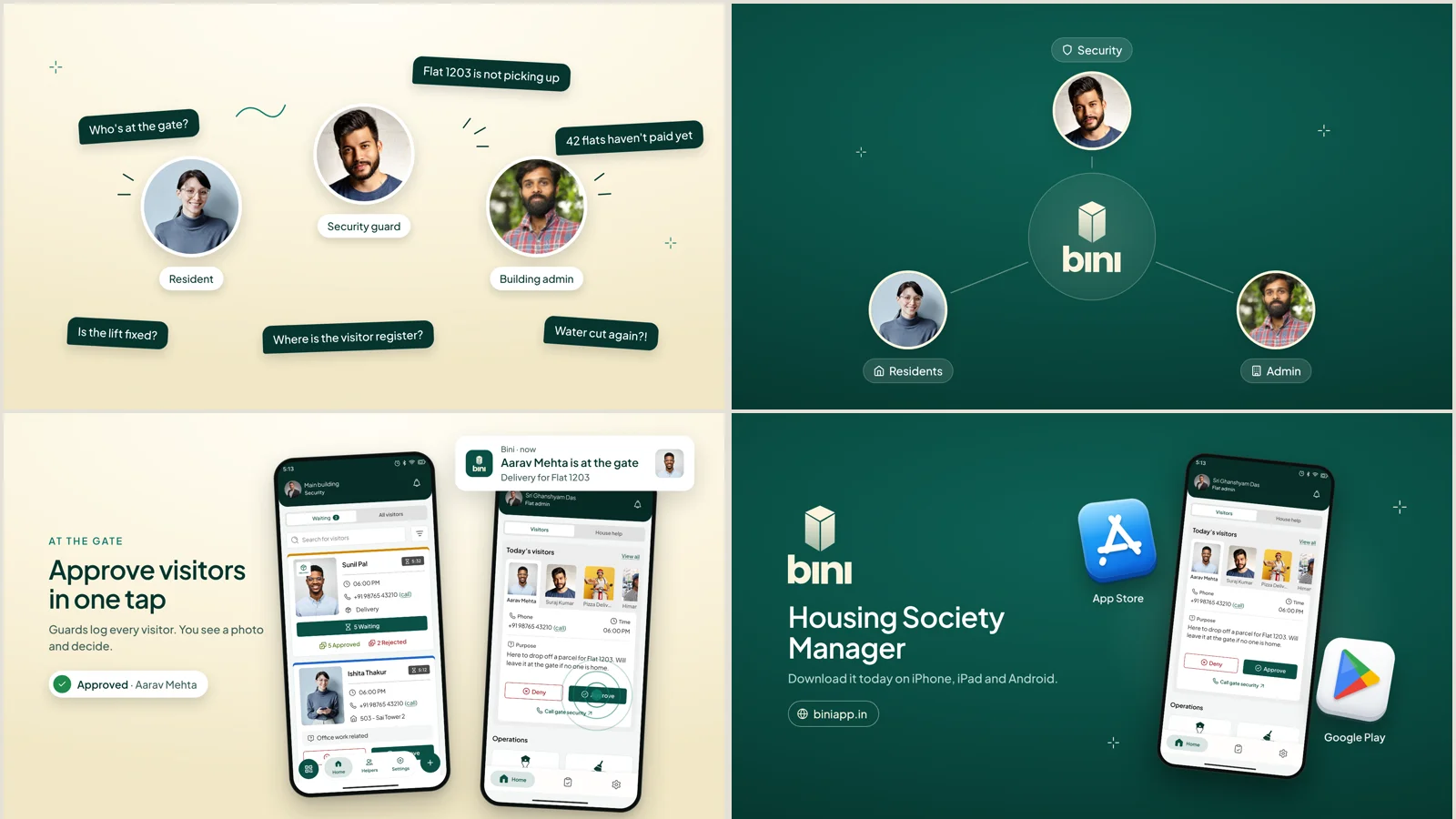
For the voice I tried 13 open source AI voices over two rounds. The first pick, an Indian English male voice, did not feel right once it was in the film, so we moved to a warm female voice.
The placeholder photos were cropped from app screens, and the little stress marks beside them read as "=" signs. Each role now has its own illustration in the brand colours: a family for residents, a guard in uniform and an admin with an ID card.
At the gate, the guard's phone sat on the left with nothing on the right until the second phone arrived. Now it enters in the middle of the free space and slides over when the resident's phone comes in.
On the end card, the App Store glyph was drawn by hand and looked broken. It now uses the right shapes, and three app screens show the guard, resident and admin views together.
Decision 01
Each scene lasts exactly as long as its spoken line plus a short breath. The animations are remapped onto the new timing, so cutting 38 seconds did not mean animating again.
Decision 02
One phone enters in the centre. When the second arrives, the first slides left with an ease in and out, so the frame is never half empty.
Decision 03
The first voice was flat, so I widened its pitch range by about 60 percent. Then the music drops while she speaks and its speech frequencies are cut, so every word is clear.
Decision 04
Bini's green and cream only, no gold, bold but never black weights, white icons and grey phone shadows. Senior mode gets its own scene, because elders are users too.
Built in code as HTML and CSS scenes, rendered frame by frame, and written with AI coding agents, so every fix is a small change and a re-render. The music is original and made in code, and the voice is an open source AI voice. Final render in 4K.